Units of Measure
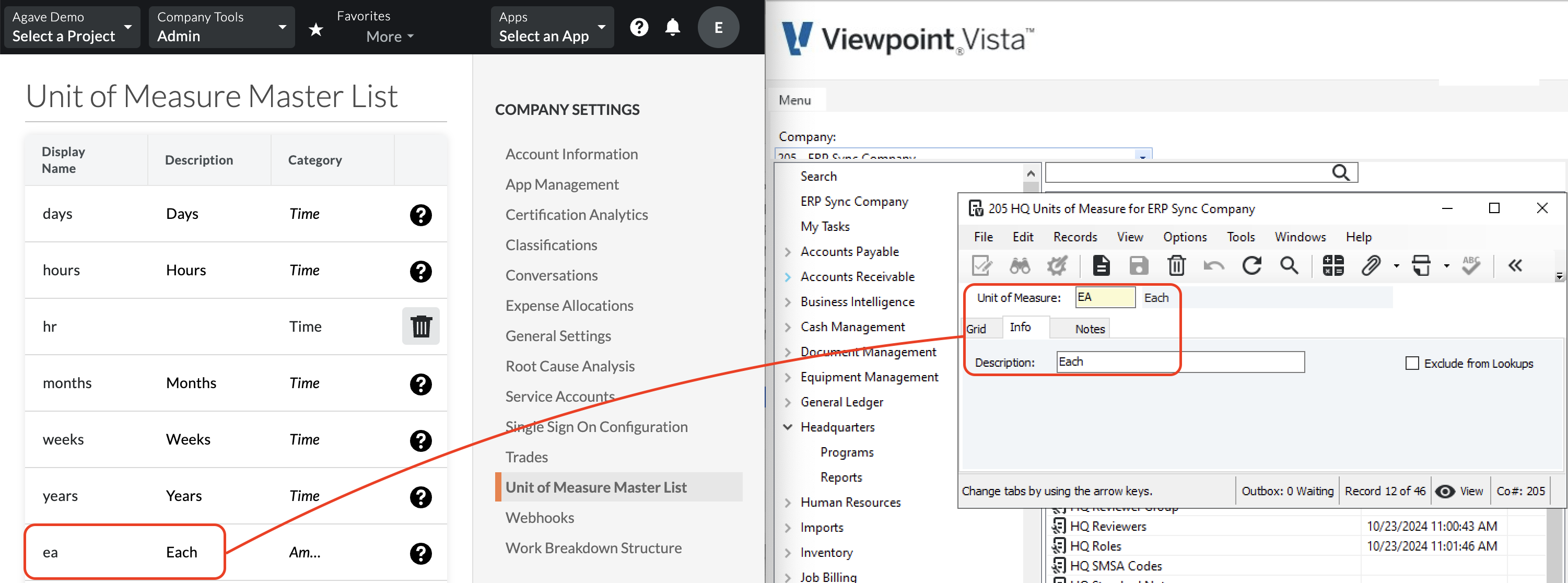
You can use Agave Sync to ensure that Units of Measure are properly translated between Procore and Viewpoint Vista.
Visual Mapping
Common FAQs
Adding Units of Measure to Procore
If you receive an error like the following: "The Unit of Measure associated with this model has not been synced", it's possible the Unit of Measure may not exist in Procore. To fix this error:
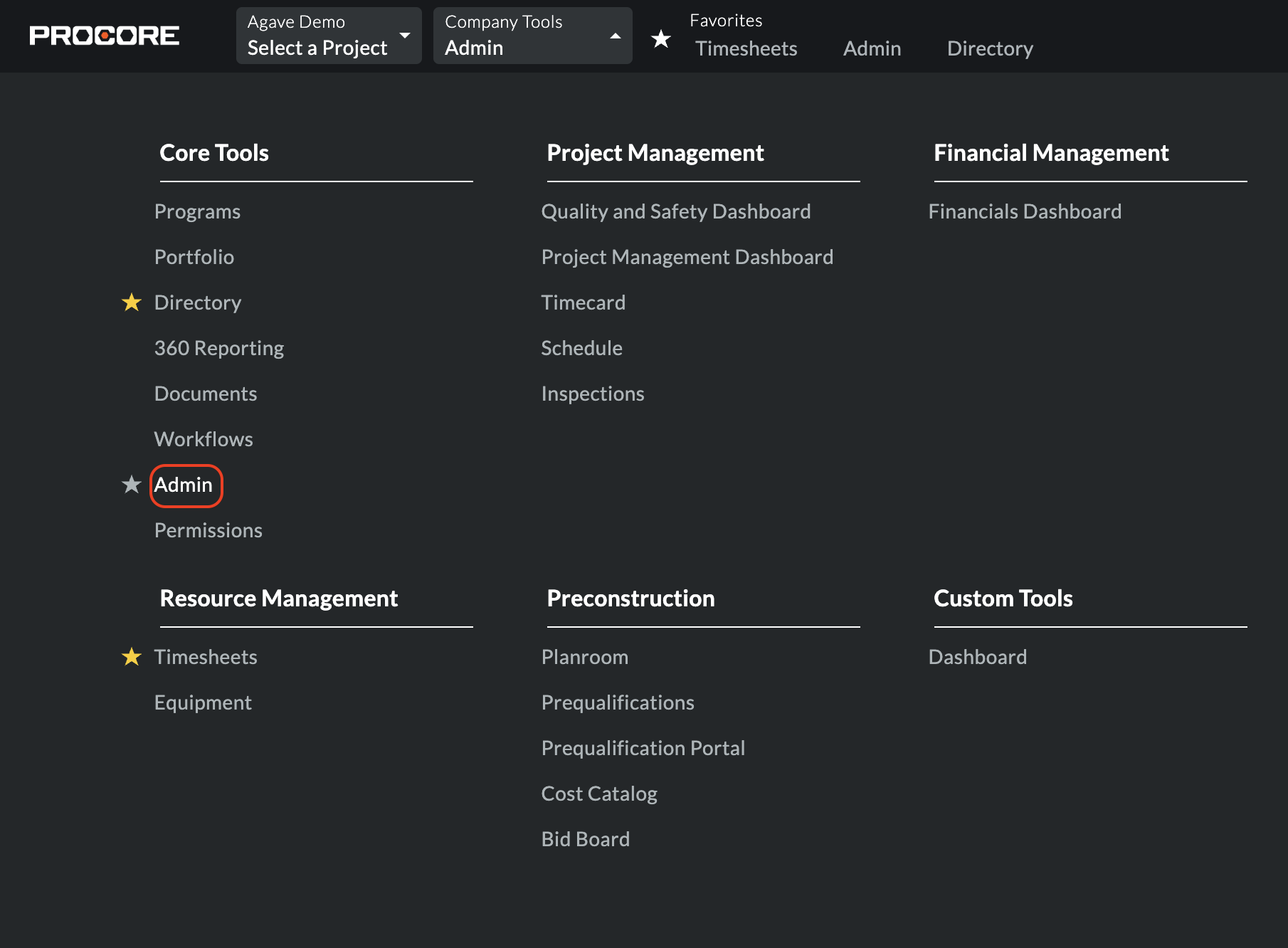
- From Procore's homepage, go to Company Tools --> Admin:
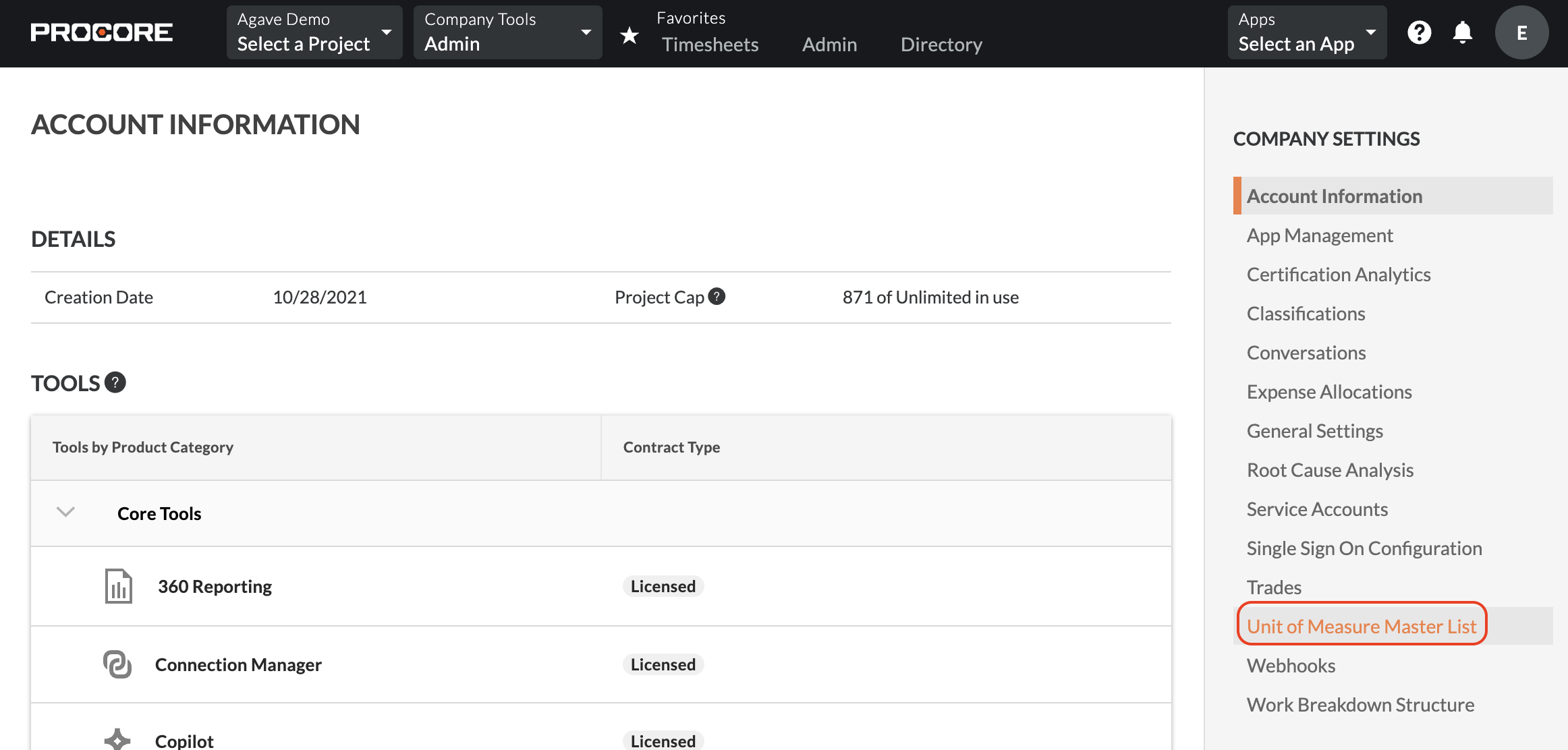
- Press Unit of Measure Master List on the right-hand navigation:
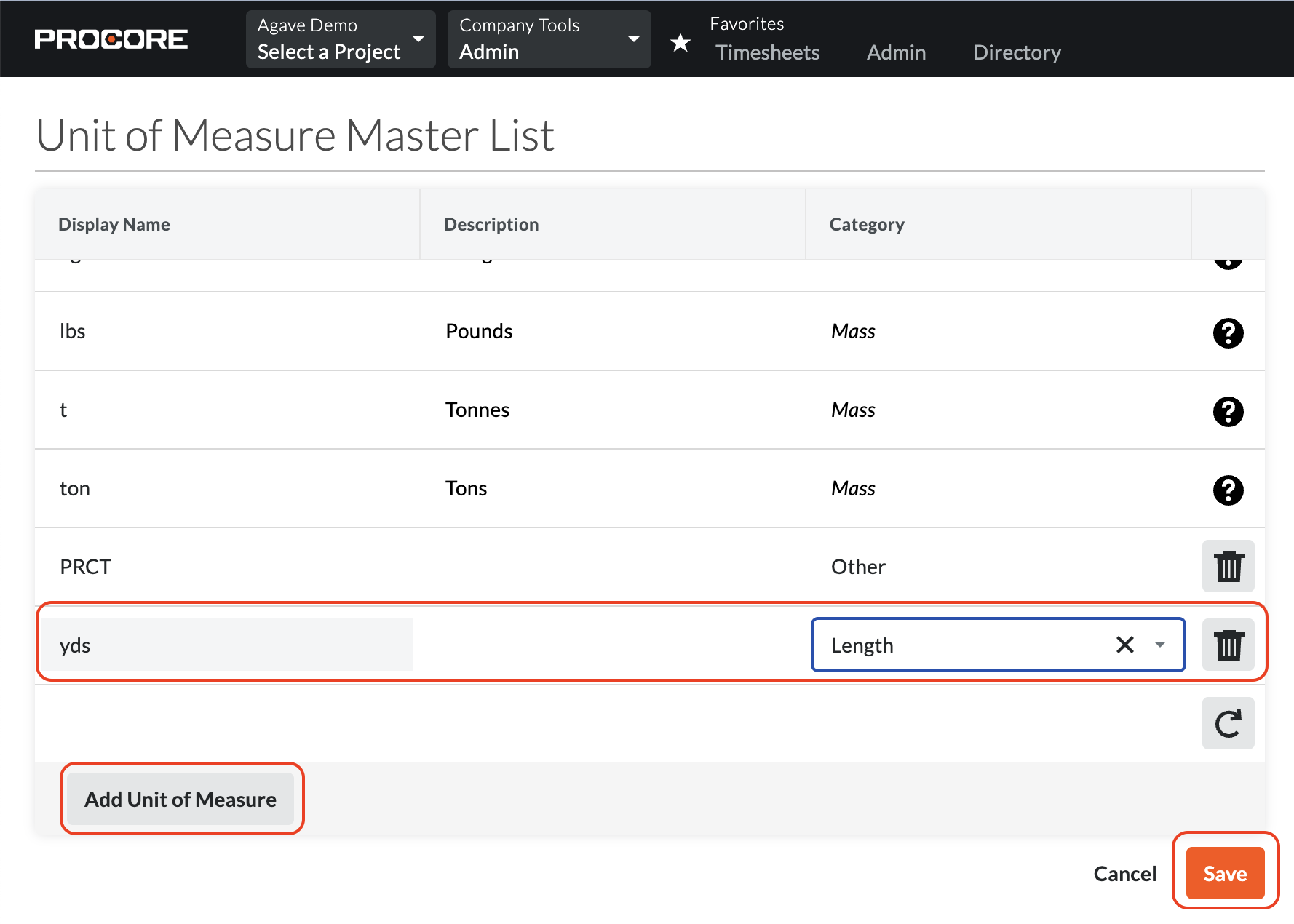
- Select Add Unit of Measure, input the Unit of Measure, and press Save:
Error: Temporal Units of Measure not supported for Budget Production Quantities
This message appears when you try to send a budget production quantity to Procore using a time-based unit (like hours or days). Procore only accepts measurable work quantities for production entries such as cubic yards of concrete, light fixtures installed, or linear feet of pipe. Time-based units aren’t allowed for this field.
Adding Units of Measure to Vista
If you receive an error like the following: "The Unit of Measure associated with this model has not been synced", it's possible the Unit of Measure may not exist in Vista. To fix this error:
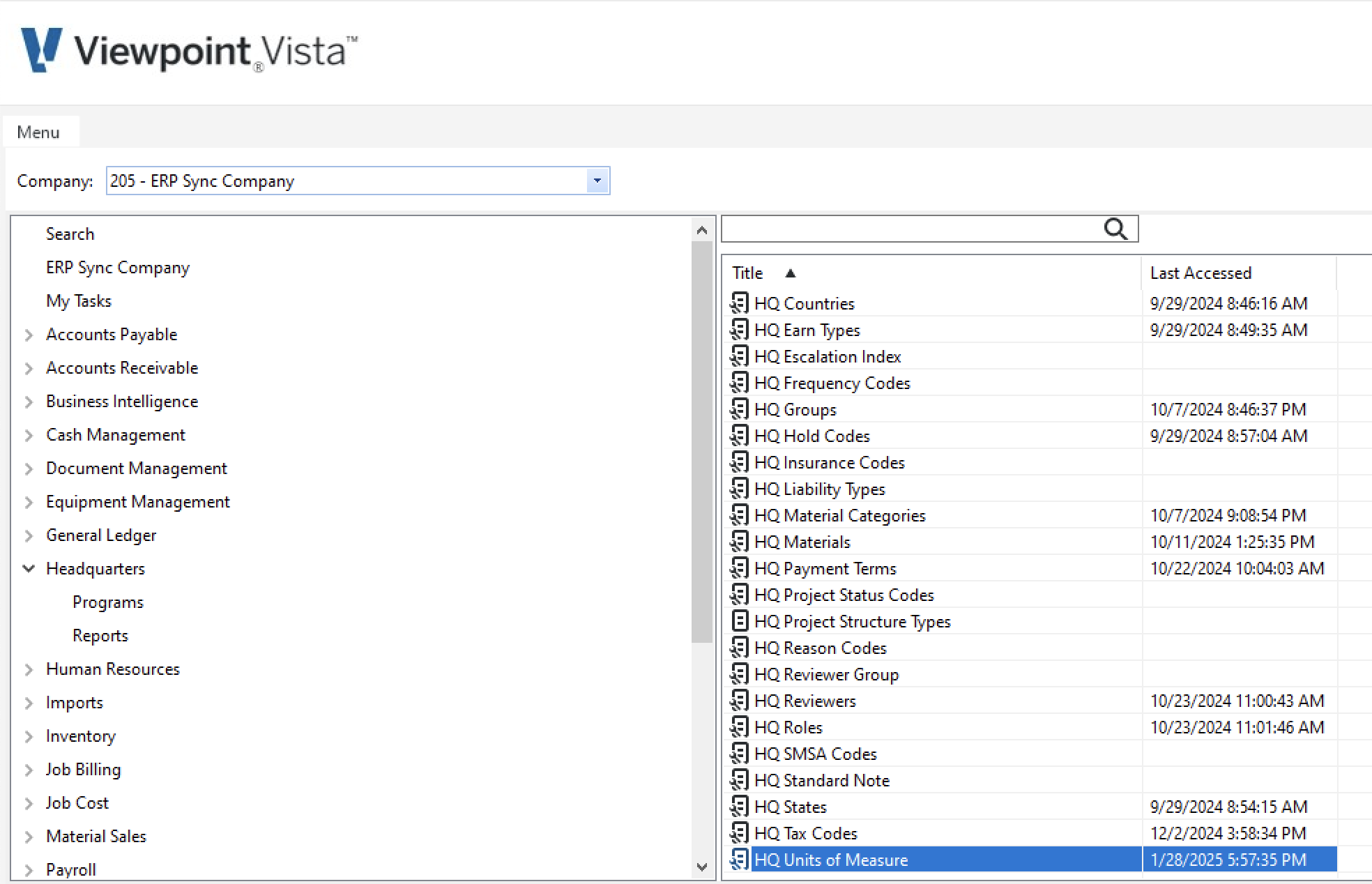
- In Vista, go to Headquarters-->HQ Units of Measure:
- Select New Record:
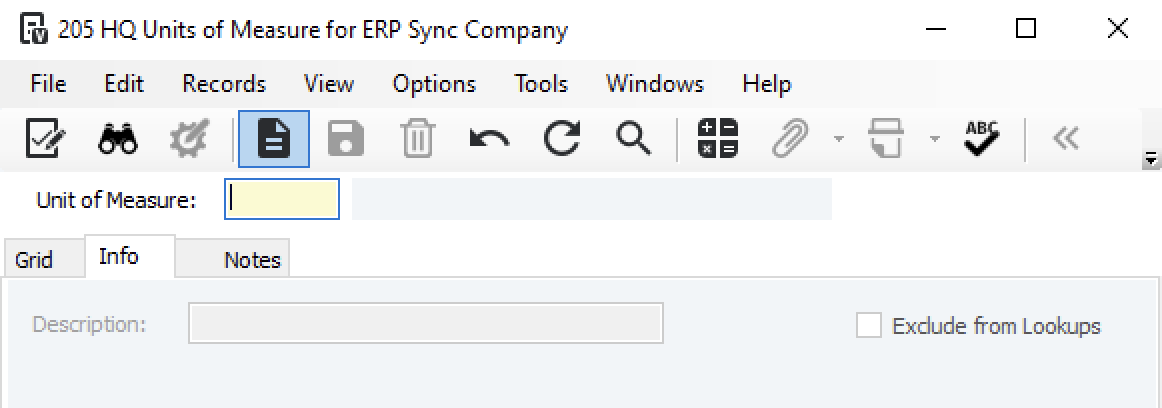
- Enter details for the new Unit of Measure and press Save Record:
