Prime Contracts
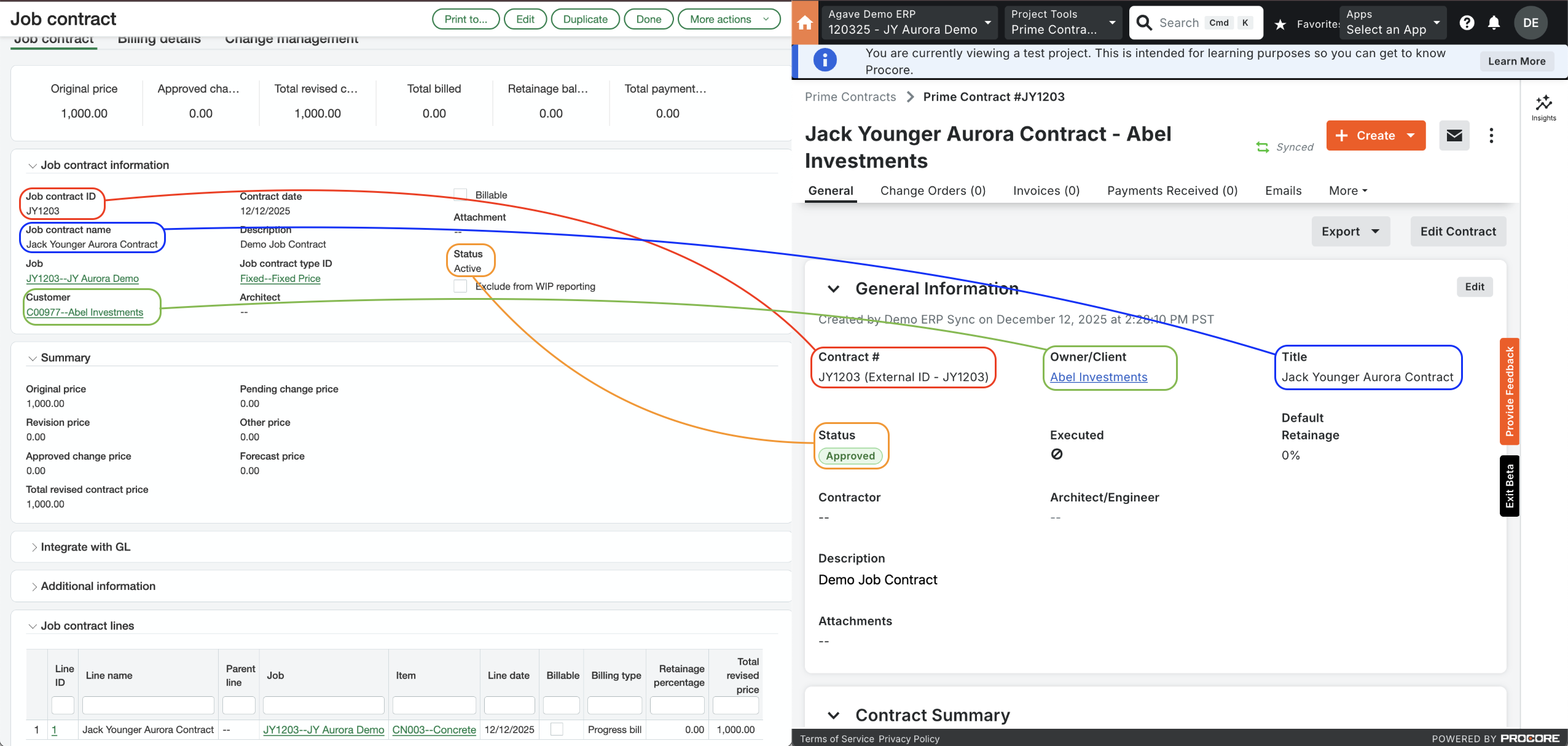
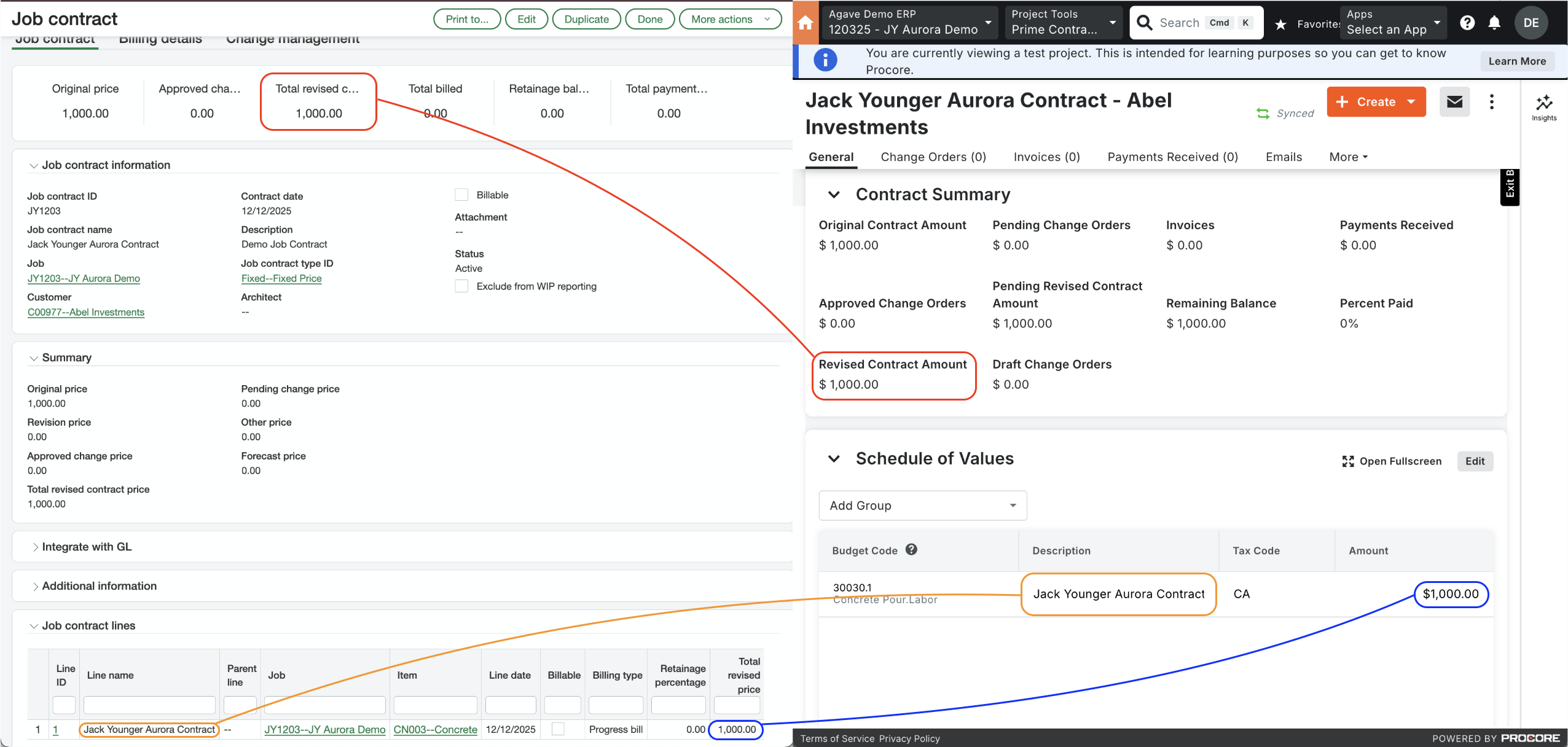
Agave Sync allows you to import Sage Intacct Job Contracts to Procore Prime Contracts and vice-versa.
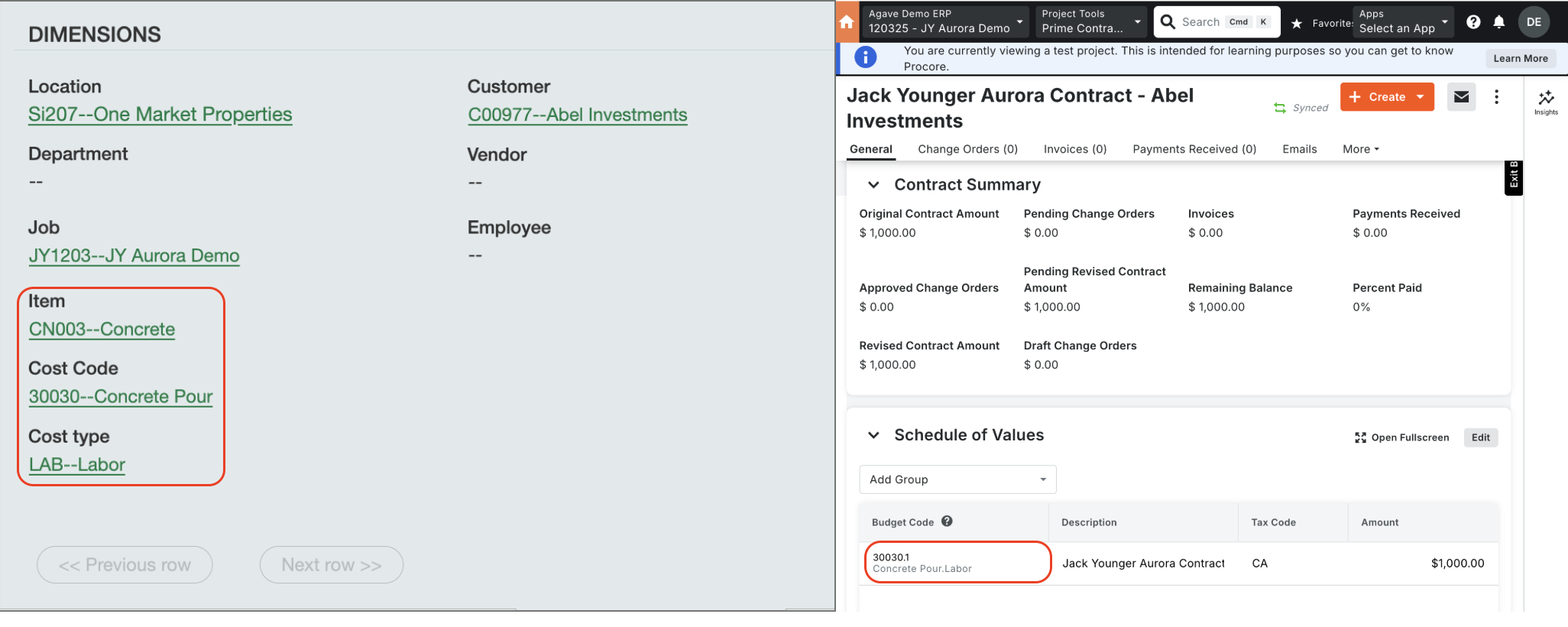
Visual Mapping
Common Errors and FAQs
Deleting Prime Contracts
You may unintentionally sync Prime Contracts to Procore without all of the line items you would like to include. Instead of manually (1) setting the Prime Contract back to "Draft", (2) unlinking the Prime Contract, and (3) deleting the Prime contract, you can use Agave Sync to delete Prime Contracts you have synced to Procore.
To delete Prime Contracts you have synced to Procore:
-
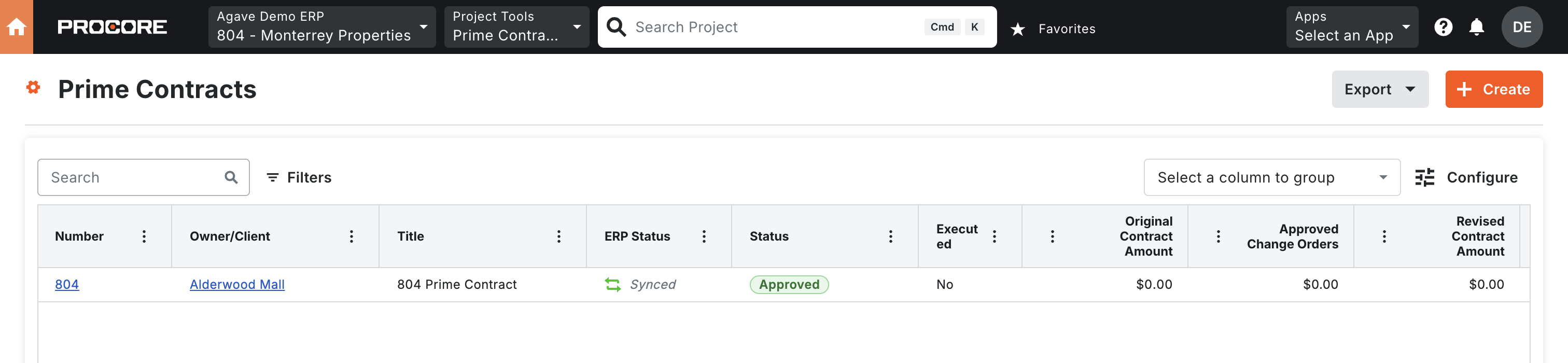
Identify the Prime Contracts you would like to delete:
-
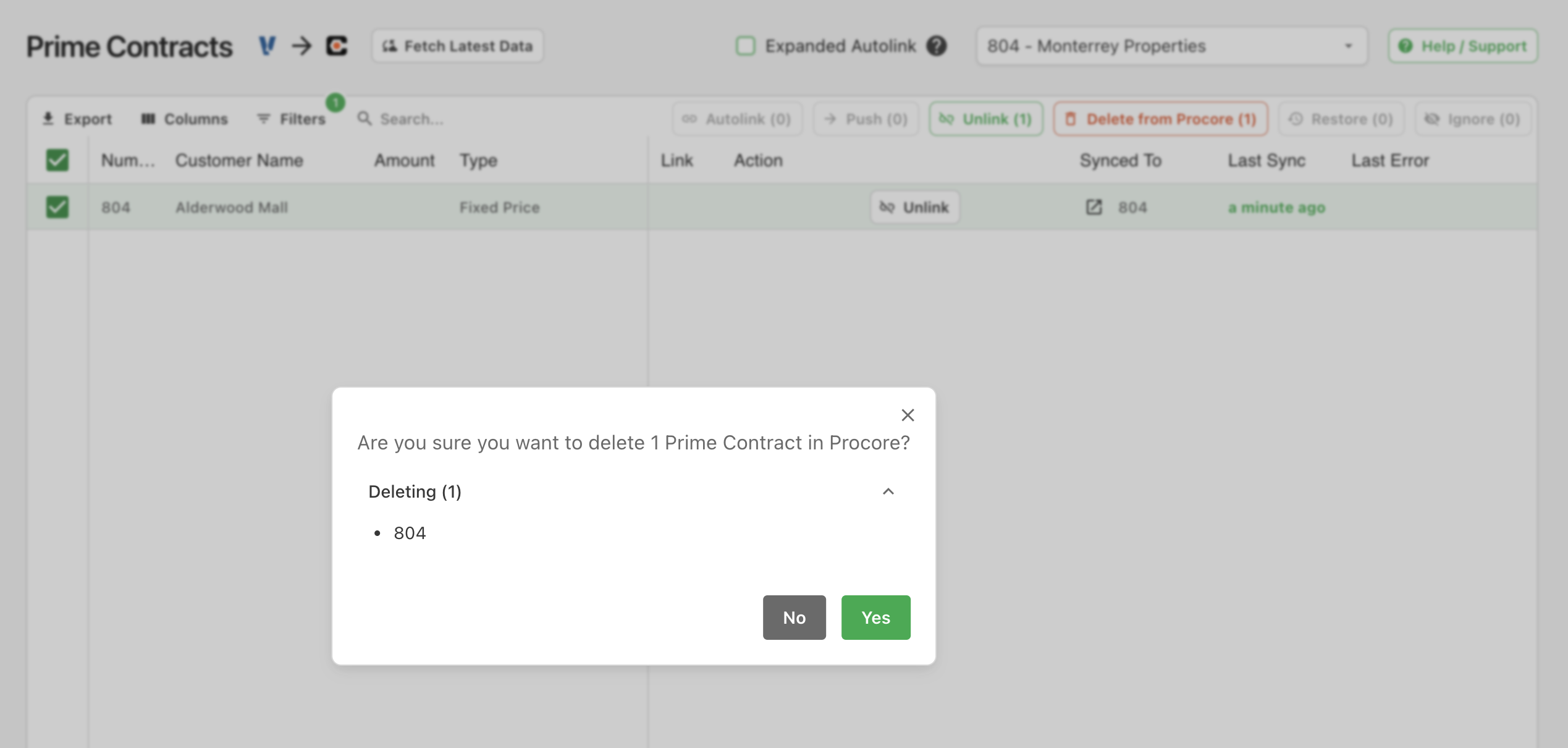
In Agave Sync, select those Prime Contracts and press Delete from Procore:

-
The Prime Contracts will now appear as syncable but they will no longer exist in Procore:
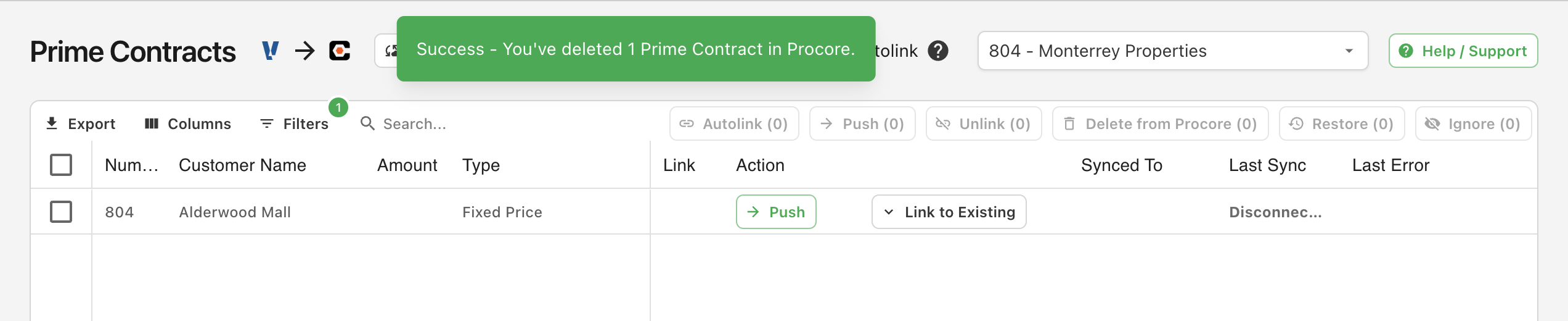
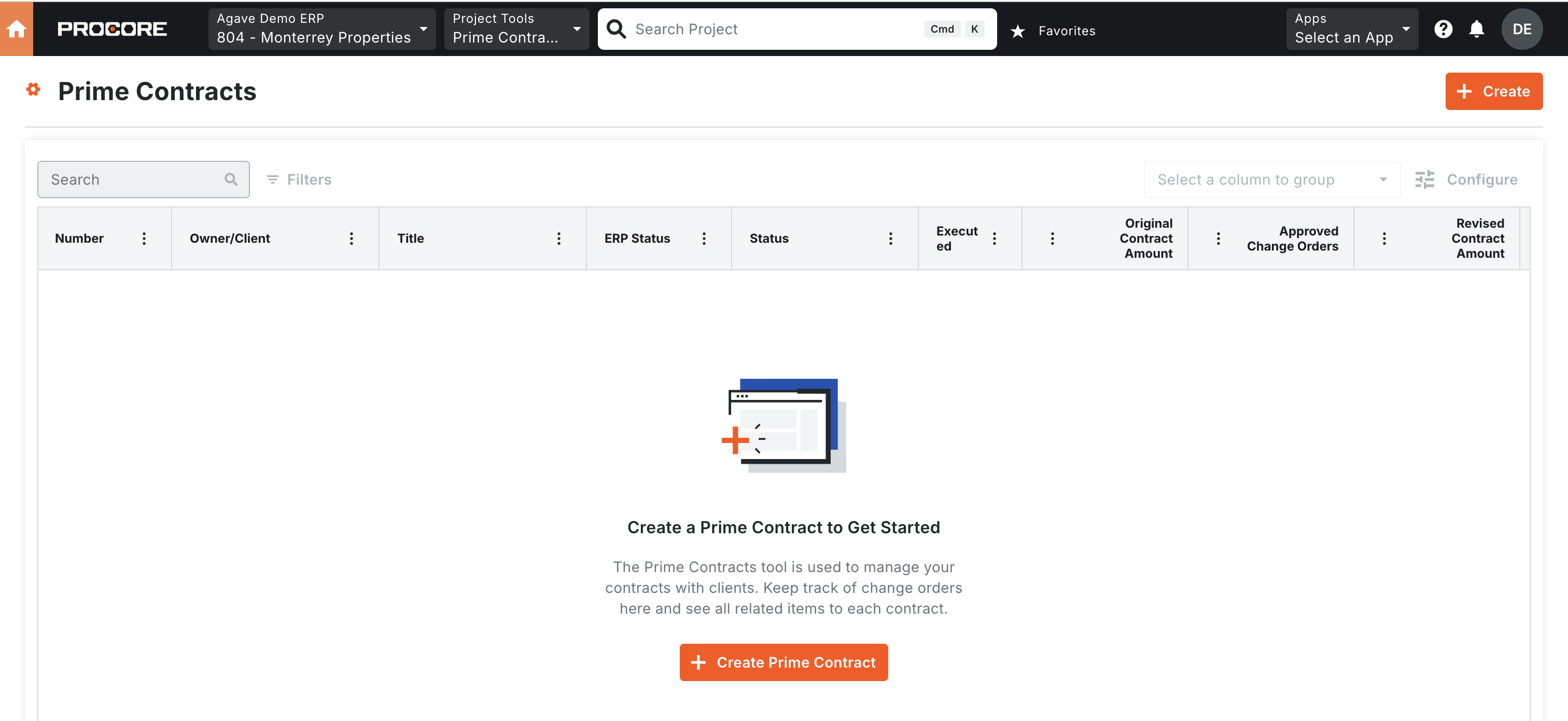
Agave Sync will delete the Prime Contracts in Procore, but not in the original source system (i.e. your accounting system).
Configuration in Sage Intacct
Project Contracts must originate in the Projects (Jobs) module
Create Project Contracts in the Projects (Jobs) module — not in Order Entry. Project Contracts created from the Projects (Jobs) module generate Job Contract Line Items, which are what AR Invoices bill against. Contracts created in Order Entry don't produce those line items, so there's nothing for the integration to sync invoices against.
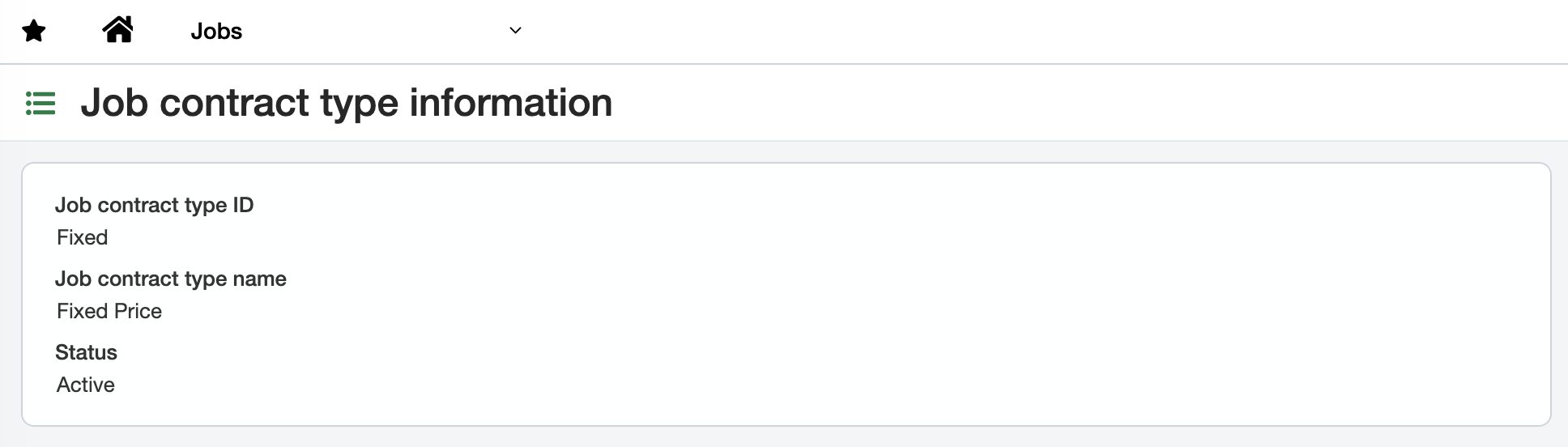
An active Job Contract Type is configured
The integration is flexible on the Job Contract Type name or ID — it only requires that at least one is active.
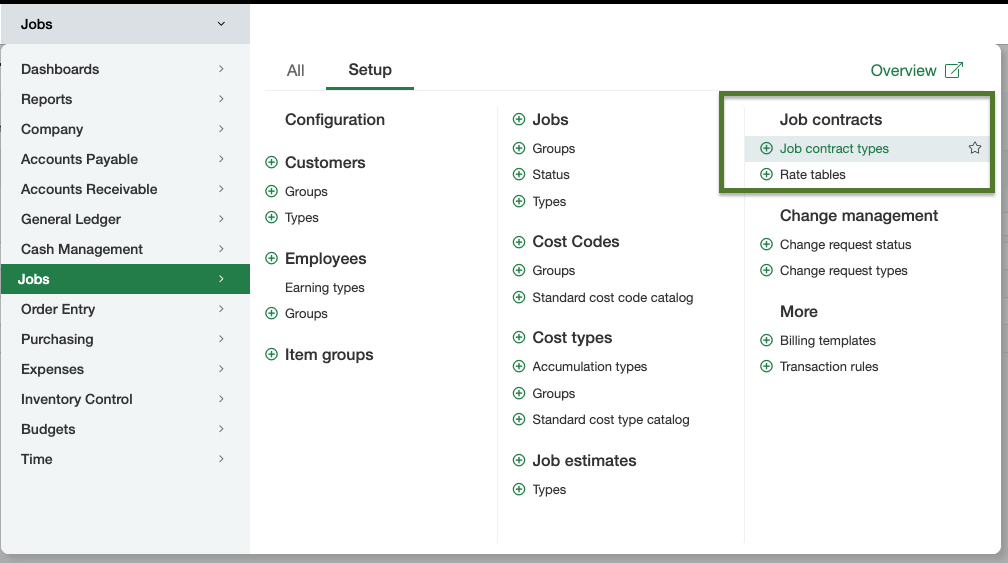
You can find Job Contract Types under Applications → Jobs → Setup → Job Contract Types.