Units of Measure
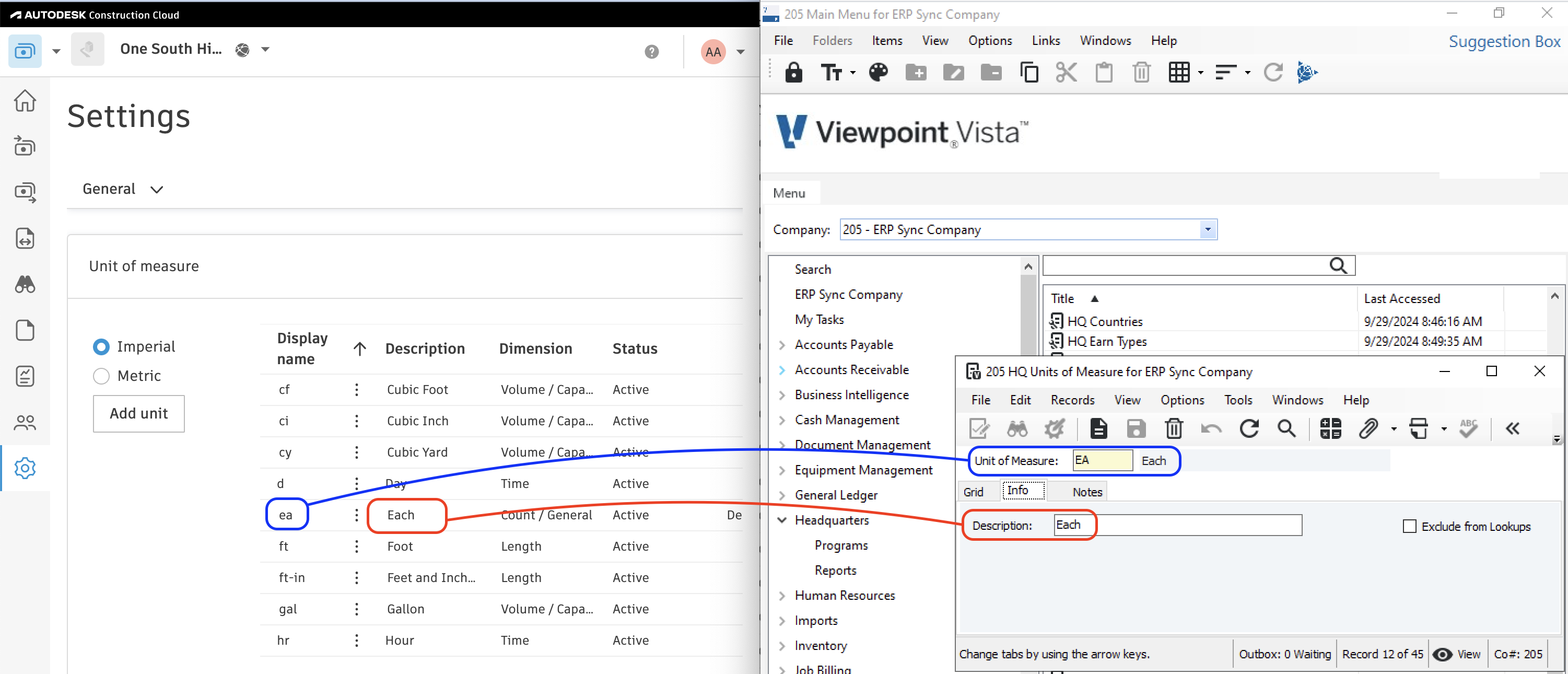
Agave Sync allows you to link Units of Measure between Autodesk Build and Vista.
Visual Mapping
Common FAQs
Adding Units of Measure to Autodesk Build
If you receive an error like the following: "The Unit of Measure associated with this model has not been synced", it's possible the Unit of Measure may not exist in Autodesk Build. To fix this error:
- In an Autodesk Build Project, go to Cost Management-->Settings:
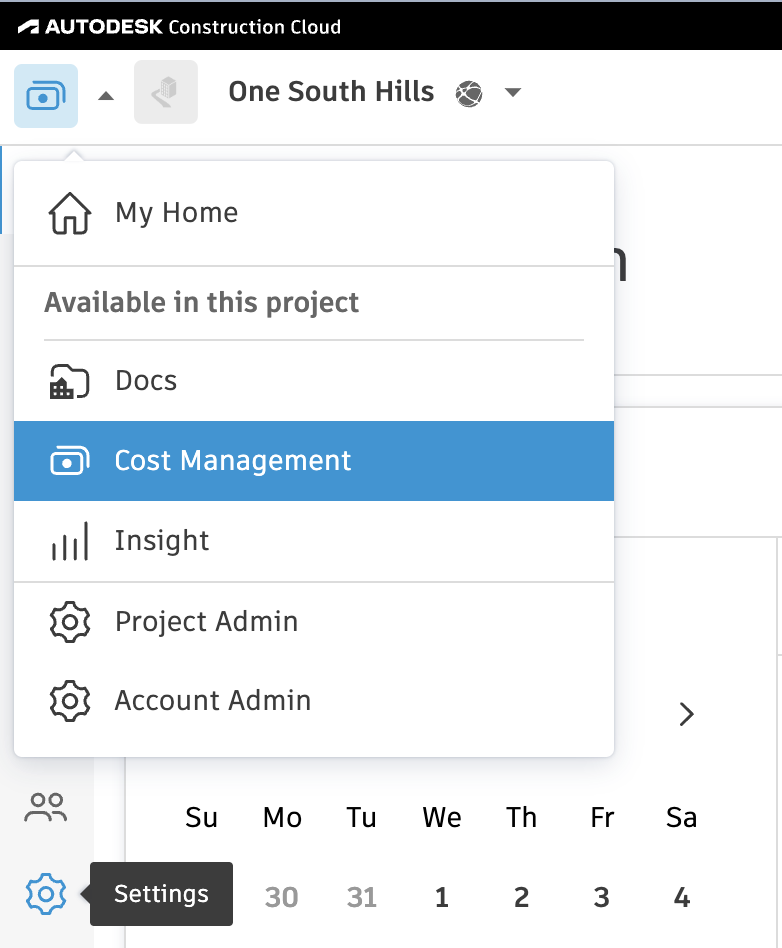
- In the General tab, select the Unit of Measure section. Then press Add unit:

tip
Make sure to add new Units of Measure to your Project Template so it is available for all new Projects.
Adding Units of Measure to Vista
If you receive an error like the following: "The Unit of Measure associated with this model has not been synced", it's possible the Unit of Measure may not exist in Vista. To fix this error:
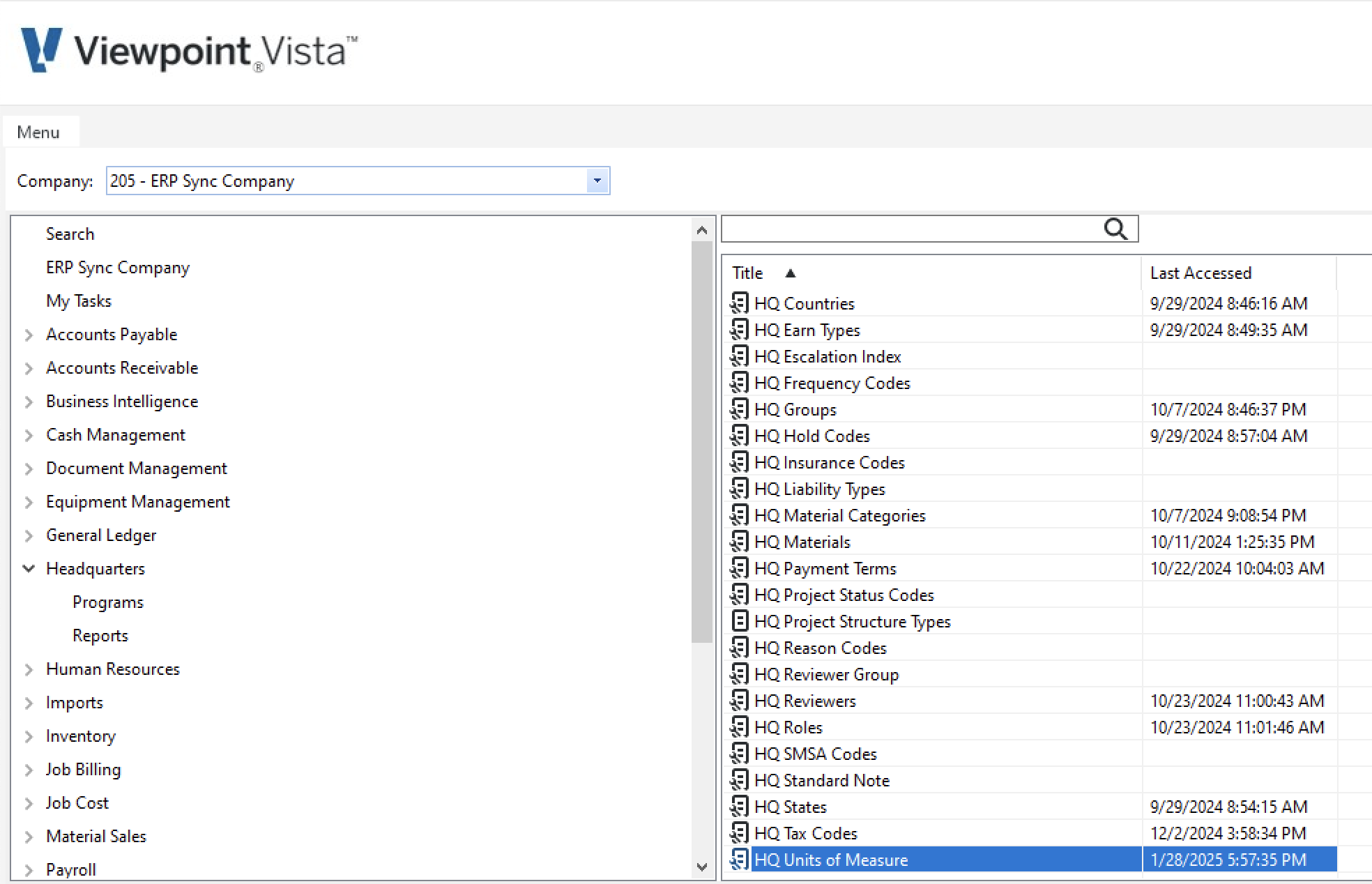
- In Vista, go to Headquarters-->HQ Units of Measure:
- Select New Record:
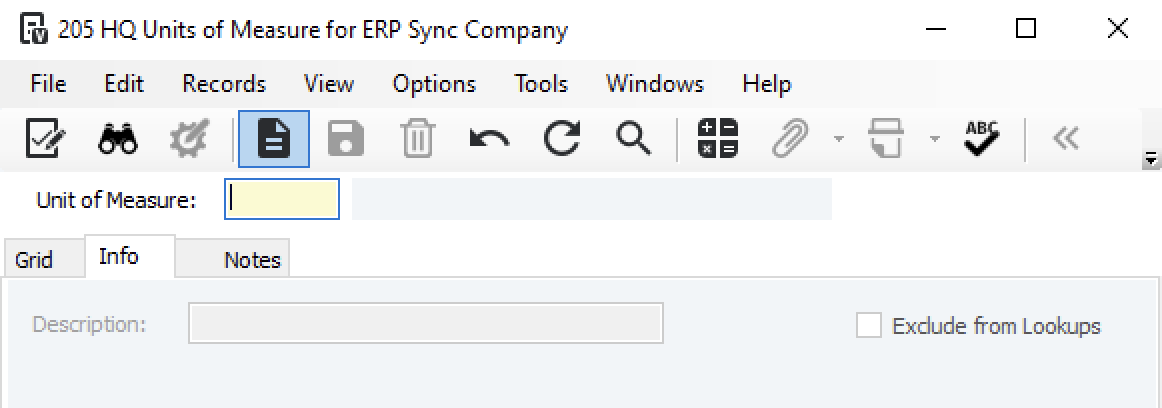
- Enter details for the new Unit of Measure and press Save Record:
