Cost Types (Classes)
Agave Sync allows you to import a Project's Cost Types (Classes) from QuickBooks Desktop to Procore.
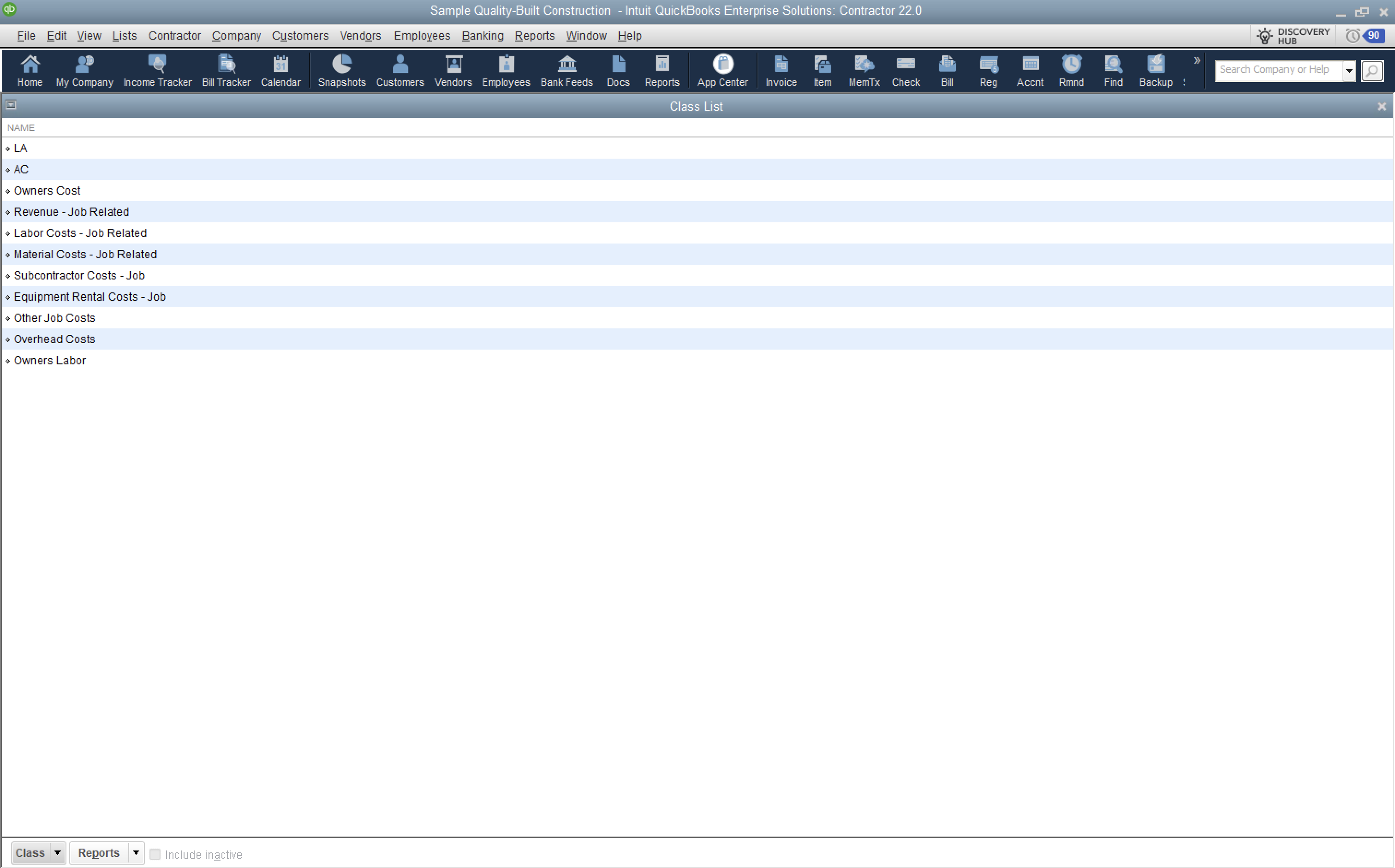
Agave Sync defaults to using QuickBooks Desktop Classes for Cost Types in Procore. In QuickBooks Desktop, Classes are typically used to separate types of transactions (e.g. AR Invoices) and can represent different types of costs, departments or business units.
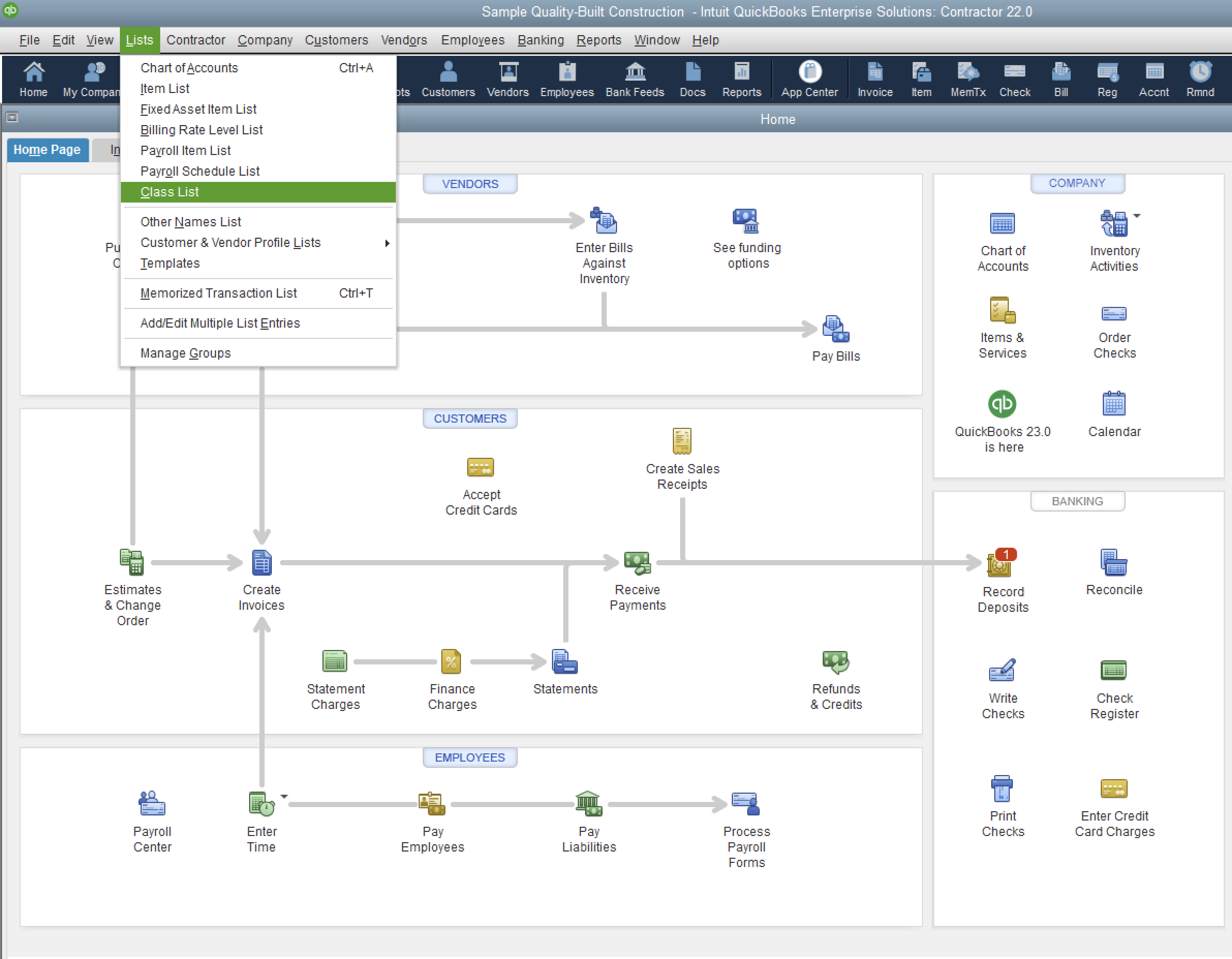
To see your list of Classes in QuickBooks Desktop, from the homepage go to Lists-->Class List:
Common Errors and FAQs
What happens if my company does not use Classes in QuickBooks Desktop?
If your company does not use Classes in QuickBooks Desktop, Agave can configure a default Cost Type (Classes) such as "Other" and disable the Cost Type module in Agave Sync tool. This is a necessary workaround because Cost Type is a requirement by Procore.
Let your Agave Implementation Manager know in advance so they can configure this.