Unlocking Records
FAQs
Why am I unable to edit a record in Procore once it has been synced to my ERP system?
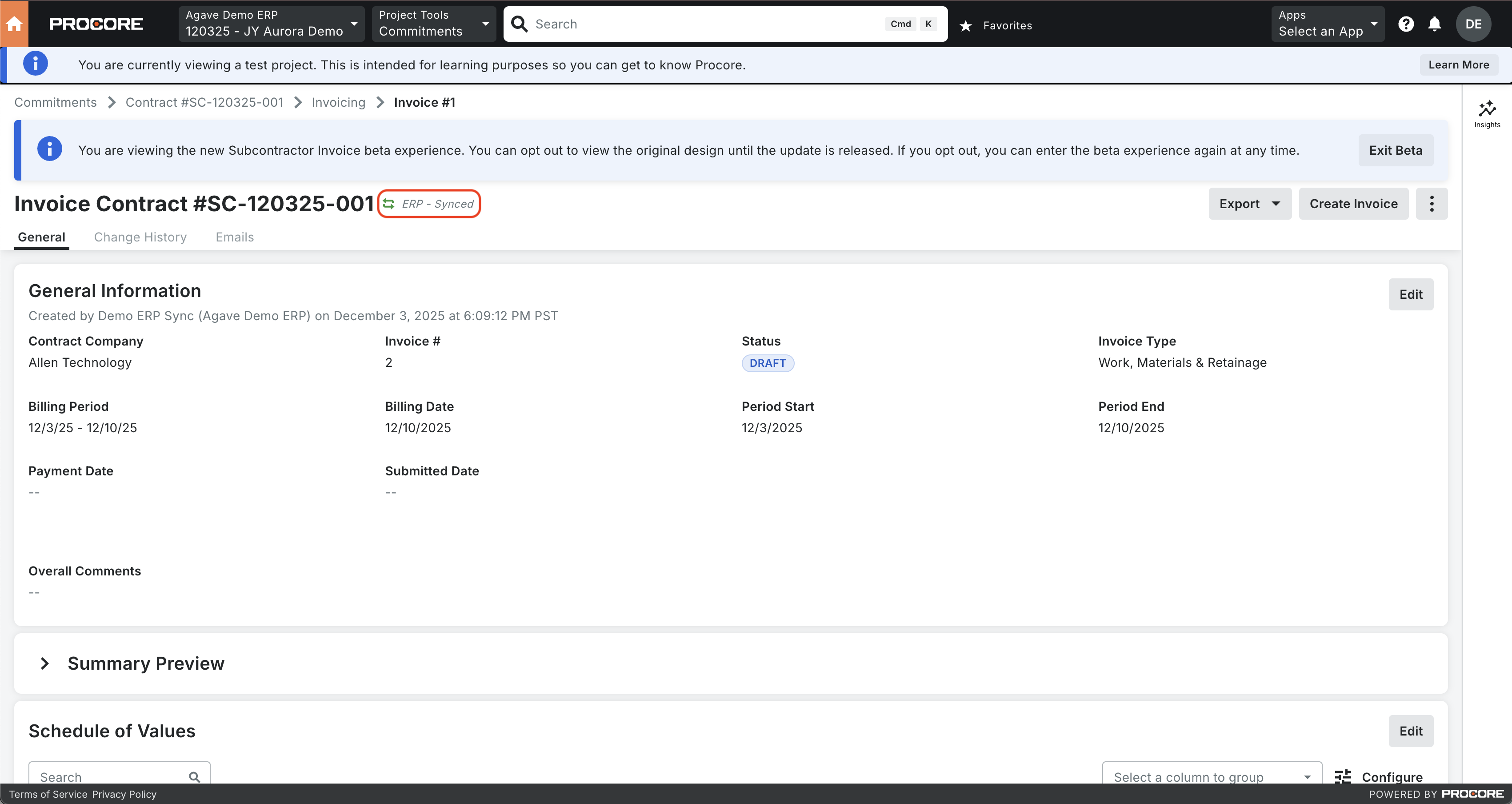
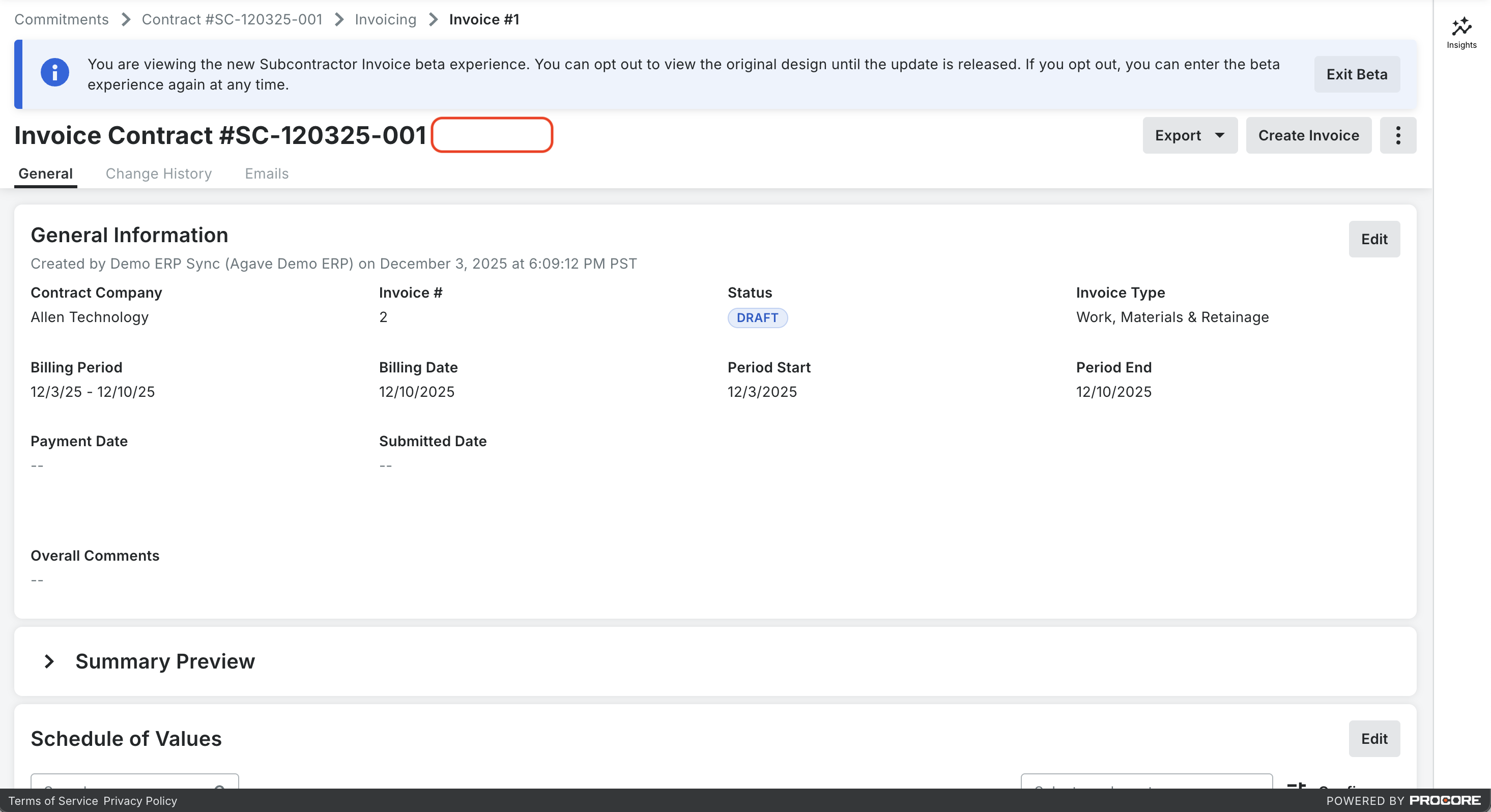
In Procore, once certain records (such as AP invoices) have been synced to your ERP system it will show up as "ERP Synced" in the record header and you will be unable to edit that record.
To enable edits to that record, navigate to the Procore tab in the Agave ERP sync tool, select the record, and unlink it from the corresponding record in your ERP system. It will show a status of "Ready to Sync" following this step
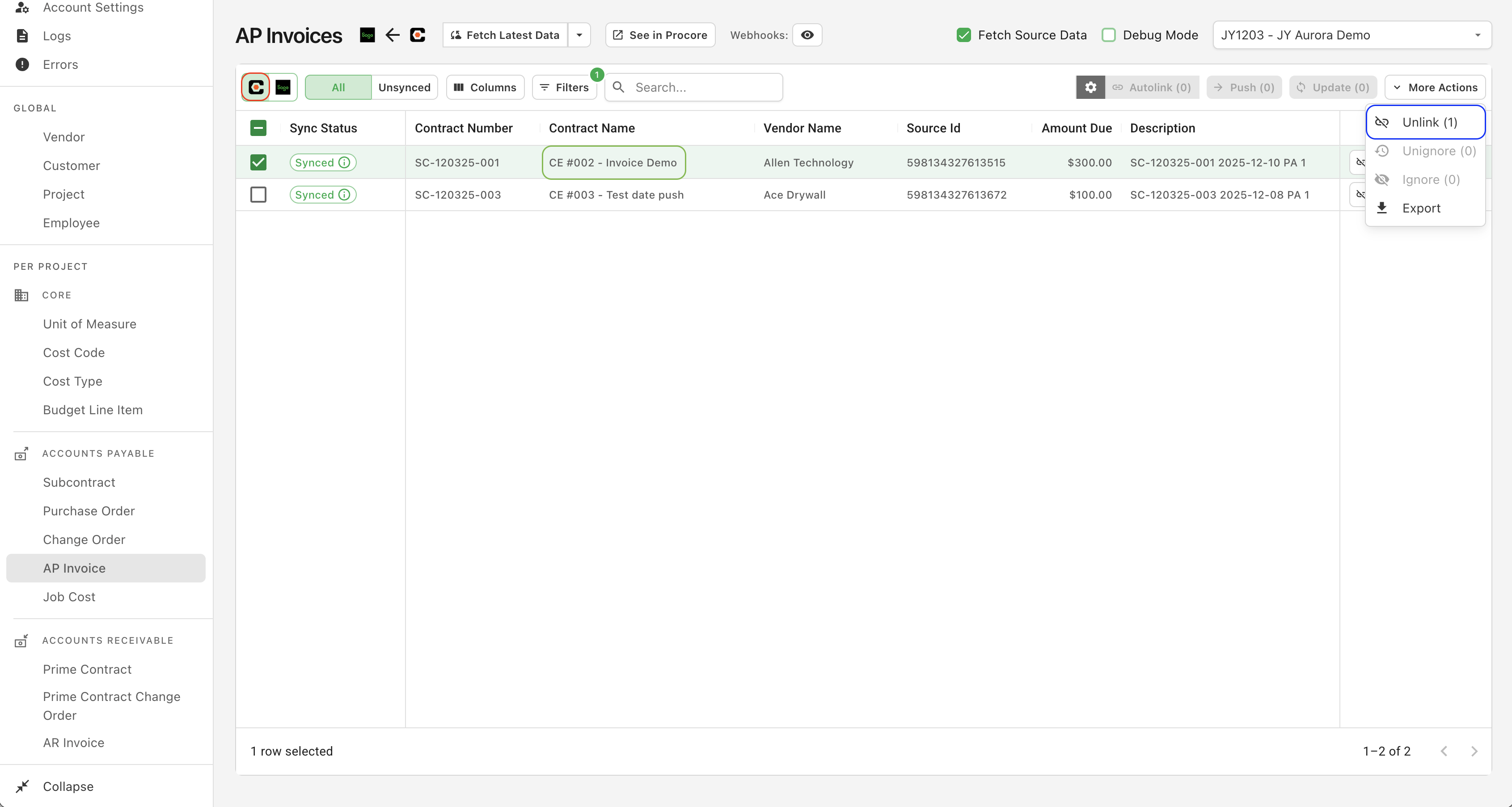
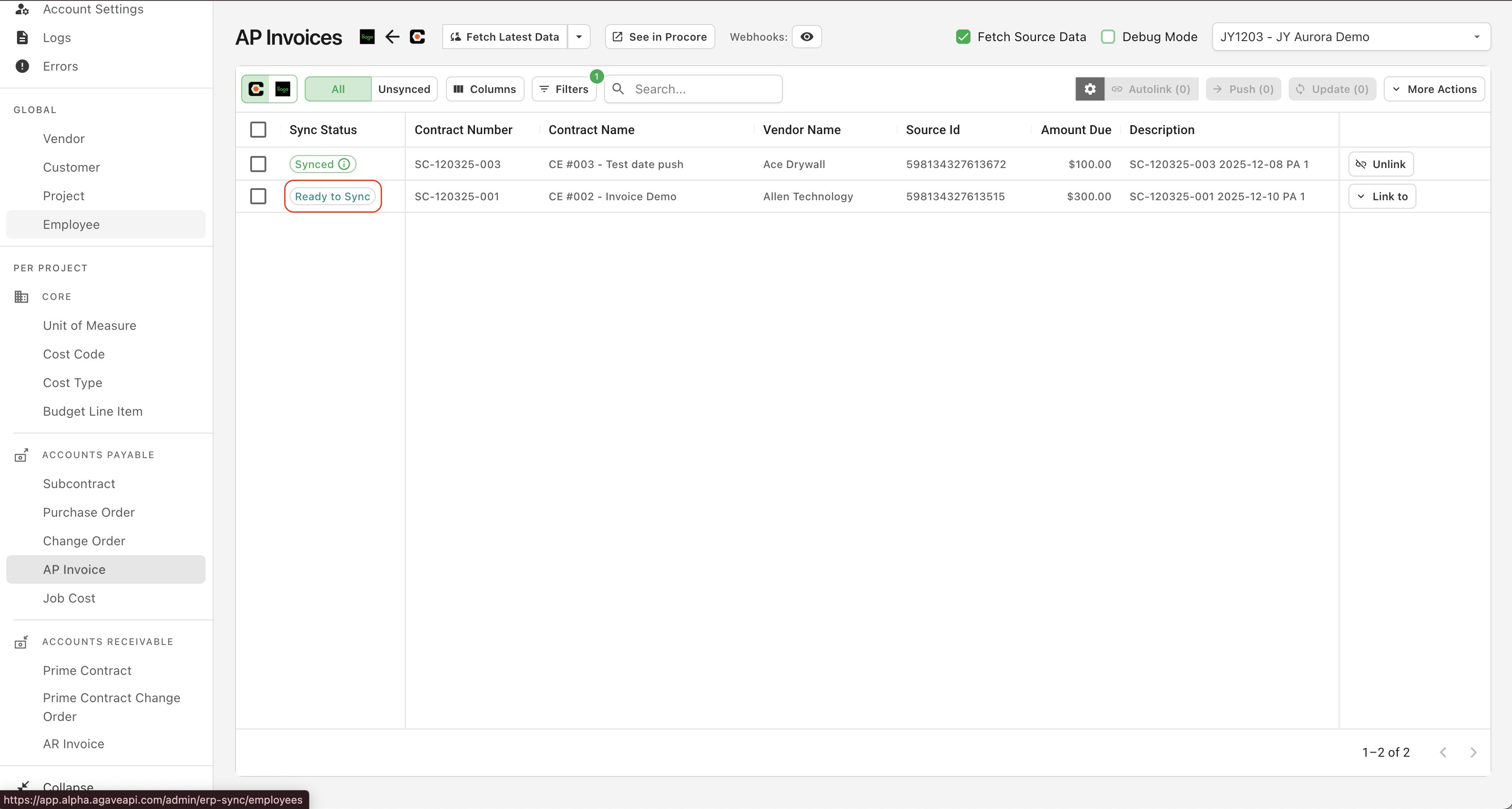
This will remove the "ERP Synced" tag and allow you to rollback the status of the record and make edits to all of the record.
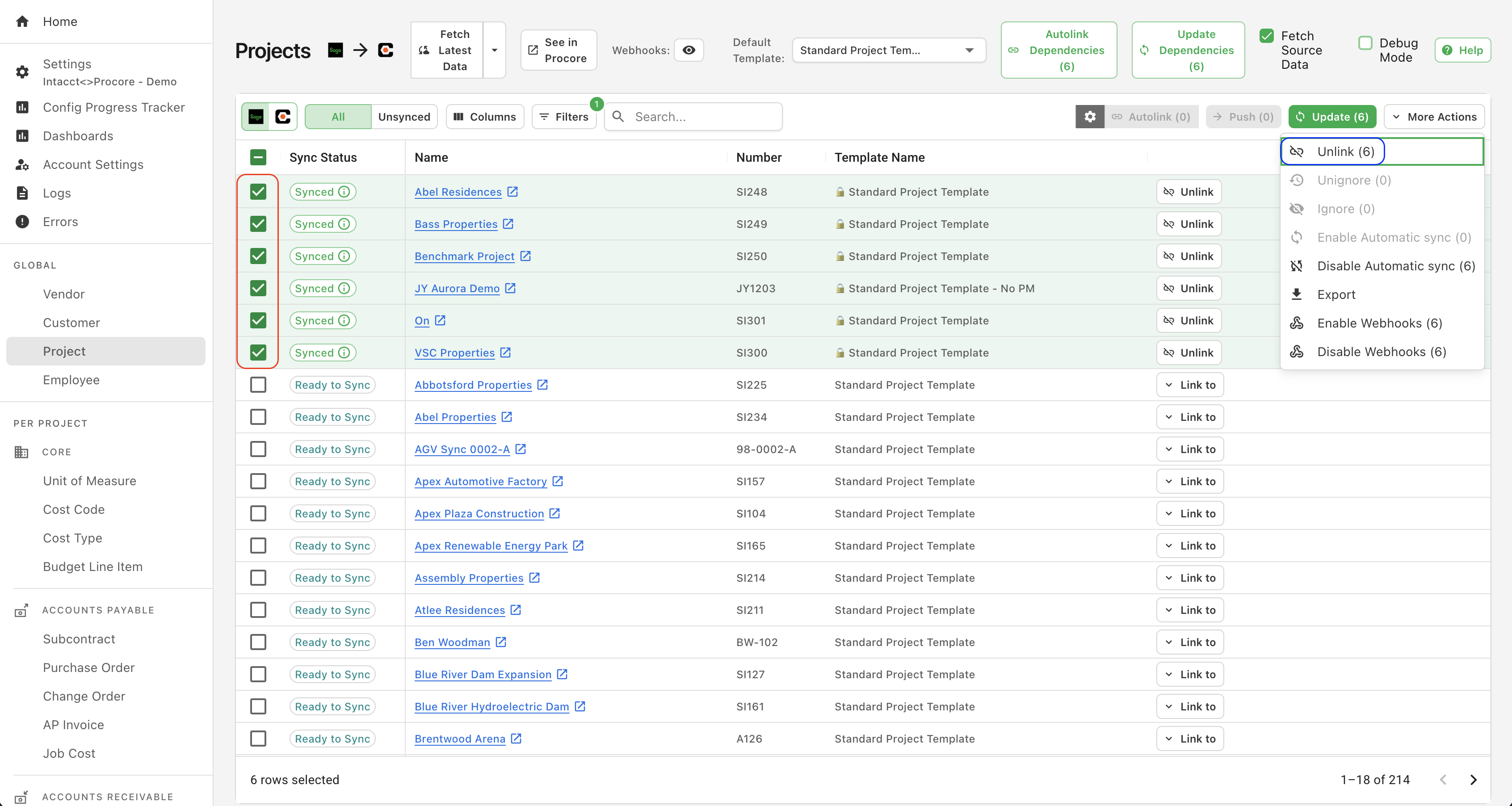
To unlock all records from a project, navigate to the projects tab of the Agave ERP Sync tool, select the project(s) you would like to unlock, and click the "unlink" button once selected.