Ignore Records
Overview
Agave Sync provides filters to exclude records that should not be synced. Filters are great for removing records with common patterns (e.g. created before/after a certain date, inactive statuses, types), but can be impractical in more ad-hoc cases. You can manually Ignore Records that should not be synced without needing to define a filter pattern.
Ignored records are not shown by default in the Agave Sync interface and will not be synced automatically, regardless of your automation settings.
Video Tutorial
Ignoring Records
To ignore a record:
-
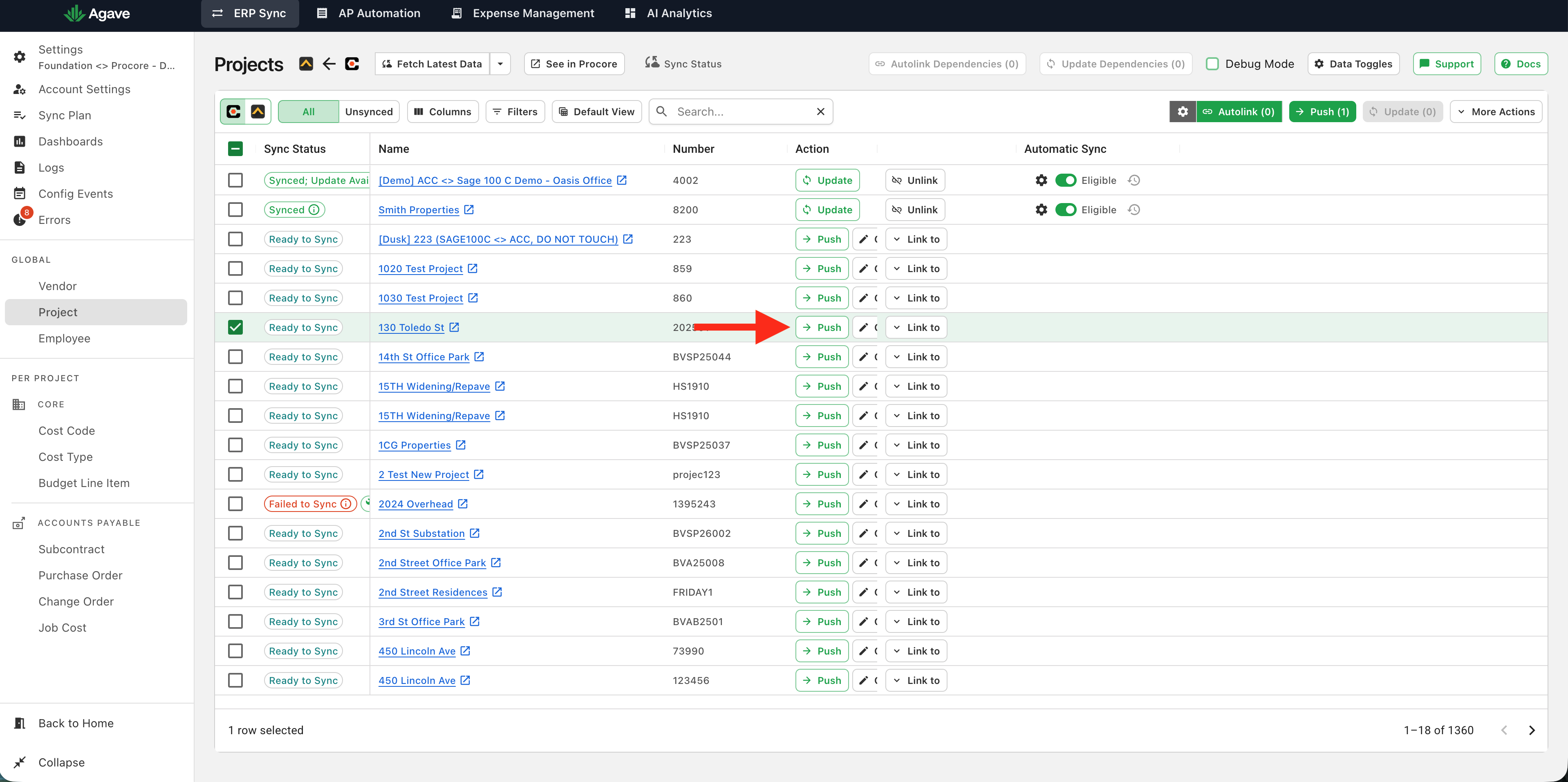
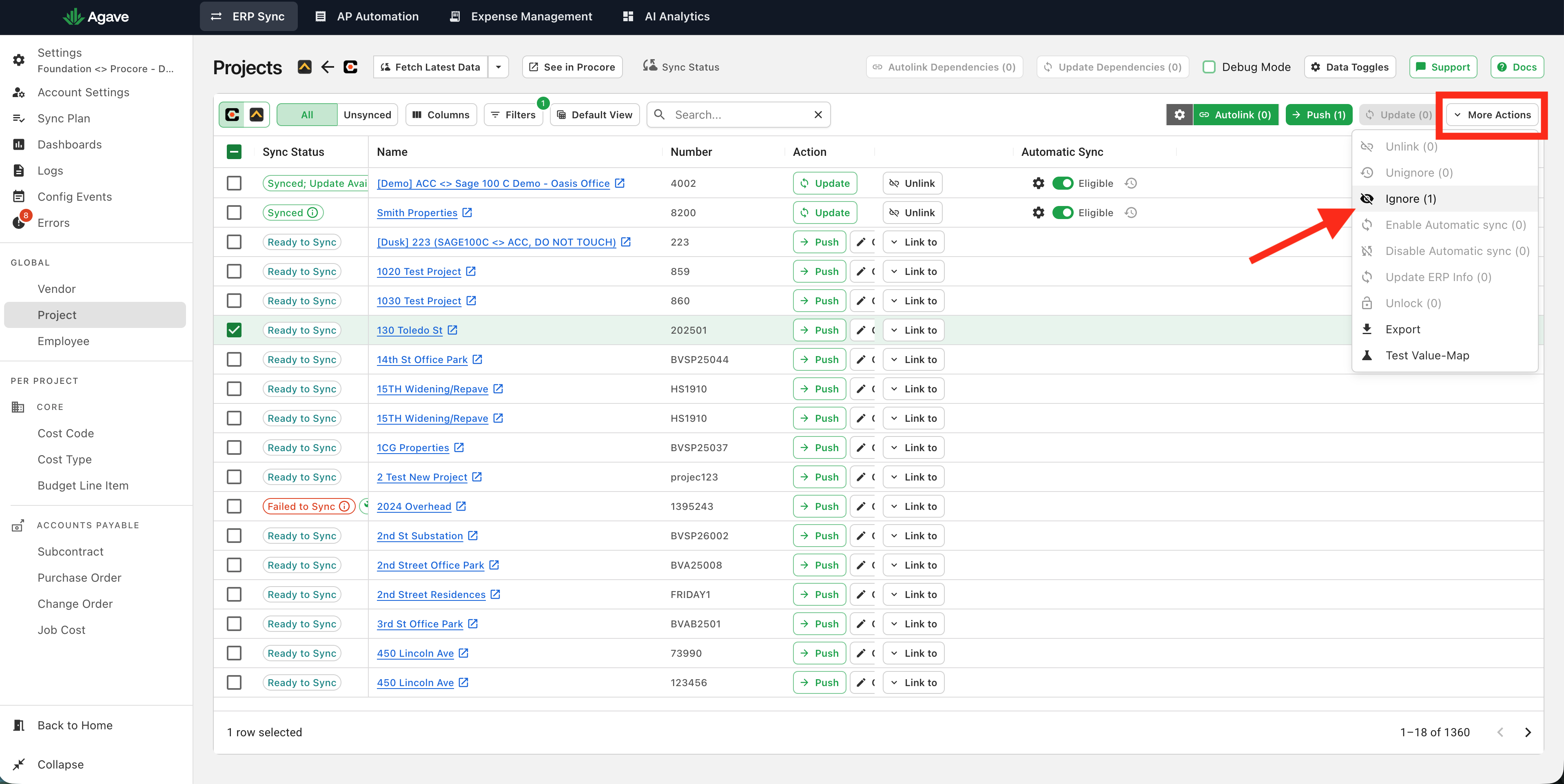
Select the record in Agave Sync and click "Ignore":
-
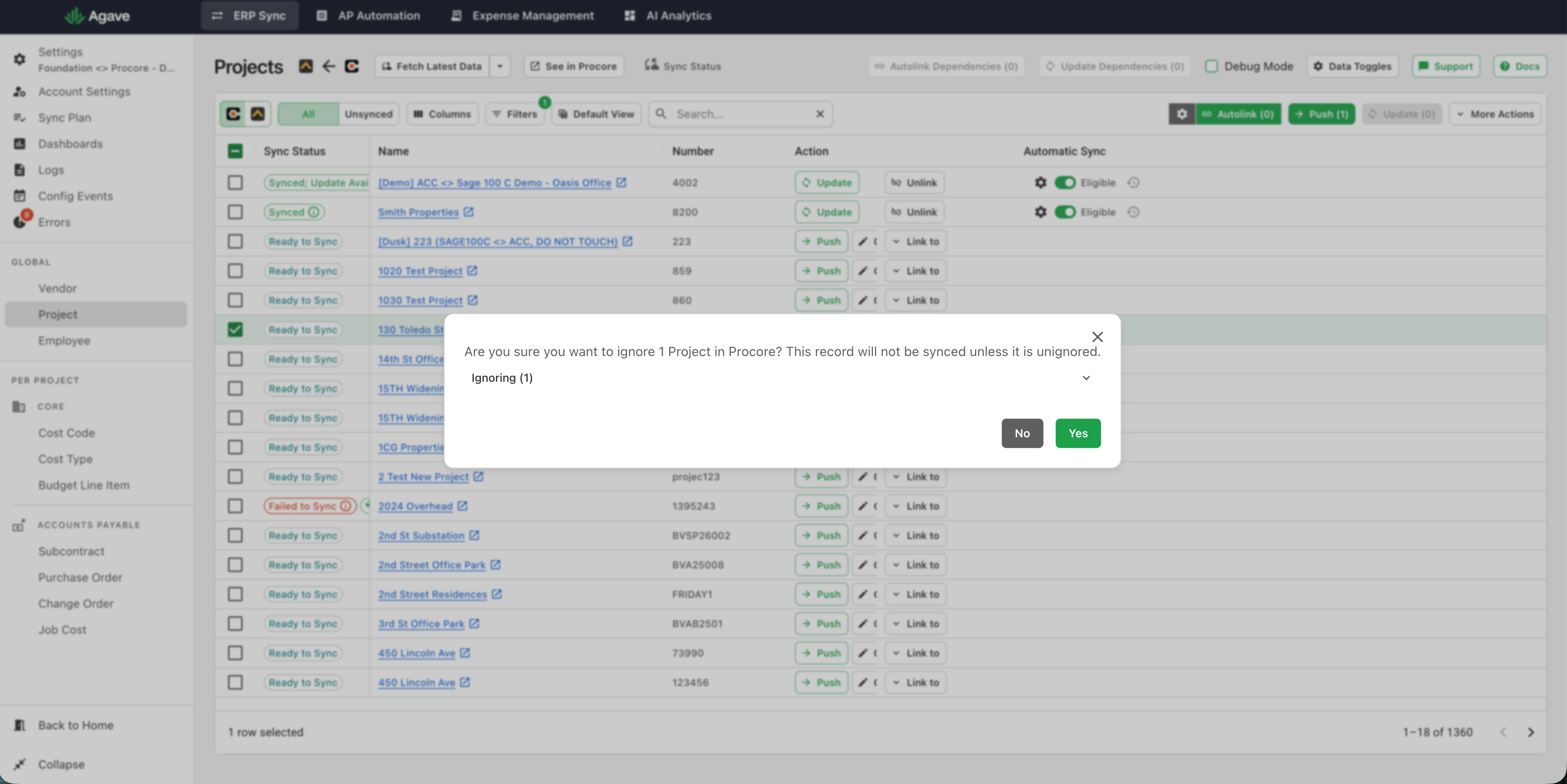
Confirm you want to ignore this record:
-
The record is now ignored:
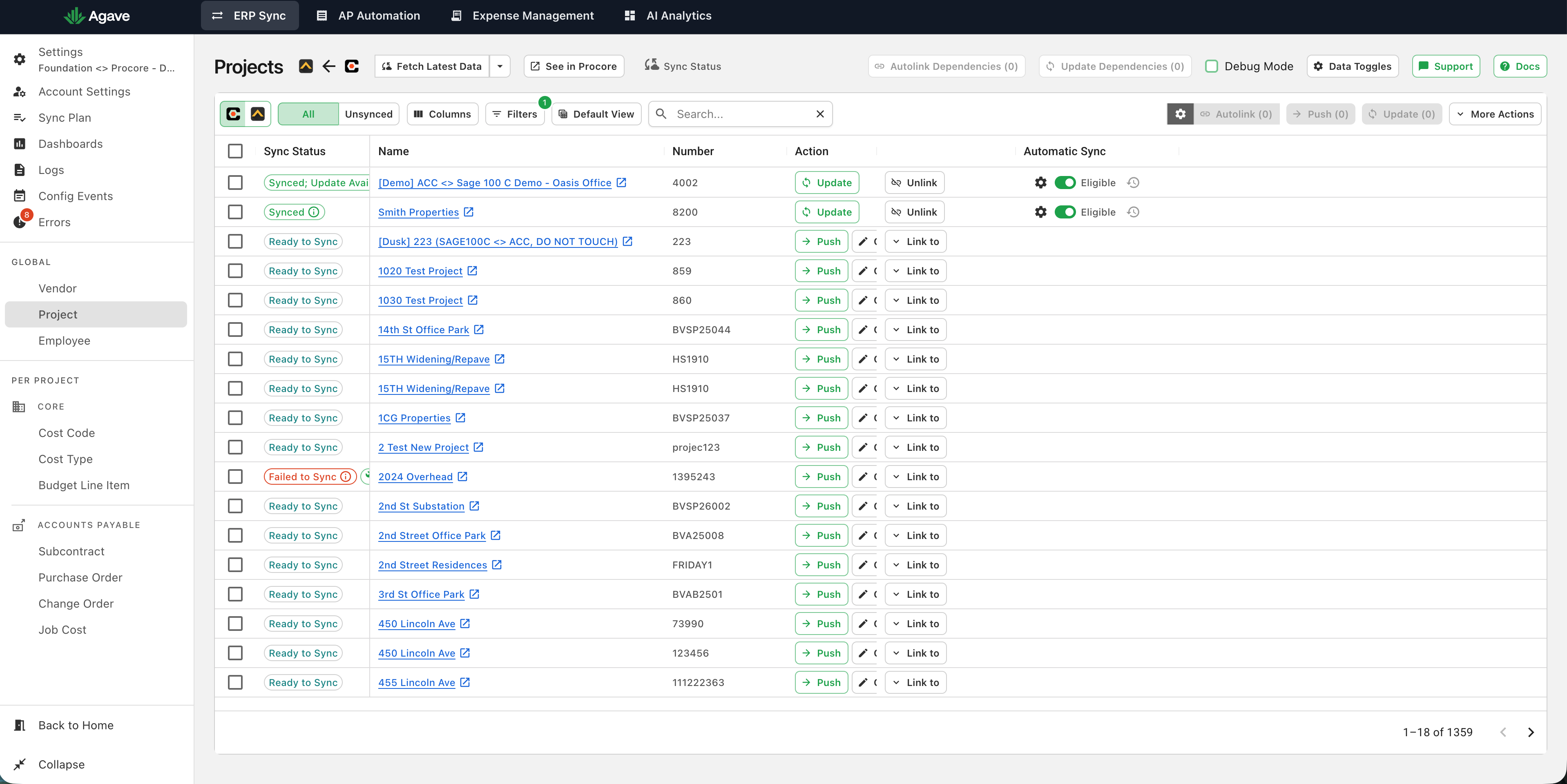
Note: You cannot ignore synced records.
Restoring Records
To restore a record:
-
Clear the default filter that removes ignored records:
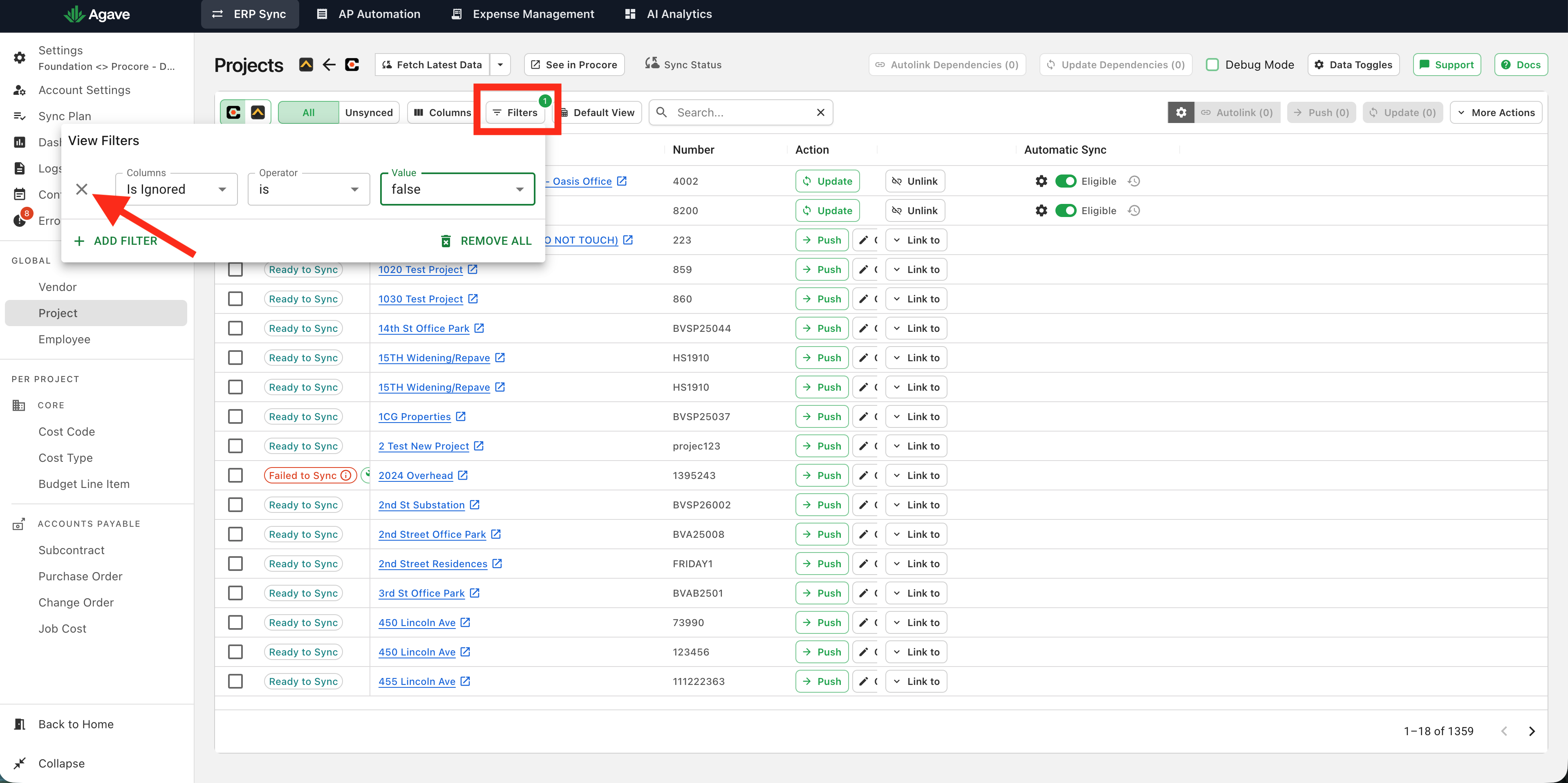
Note: You can also reverse the filter (set it to "true") to see only ignored records
-
Identify the record(s) to restore. Ignored records will have the "Restore" option available:
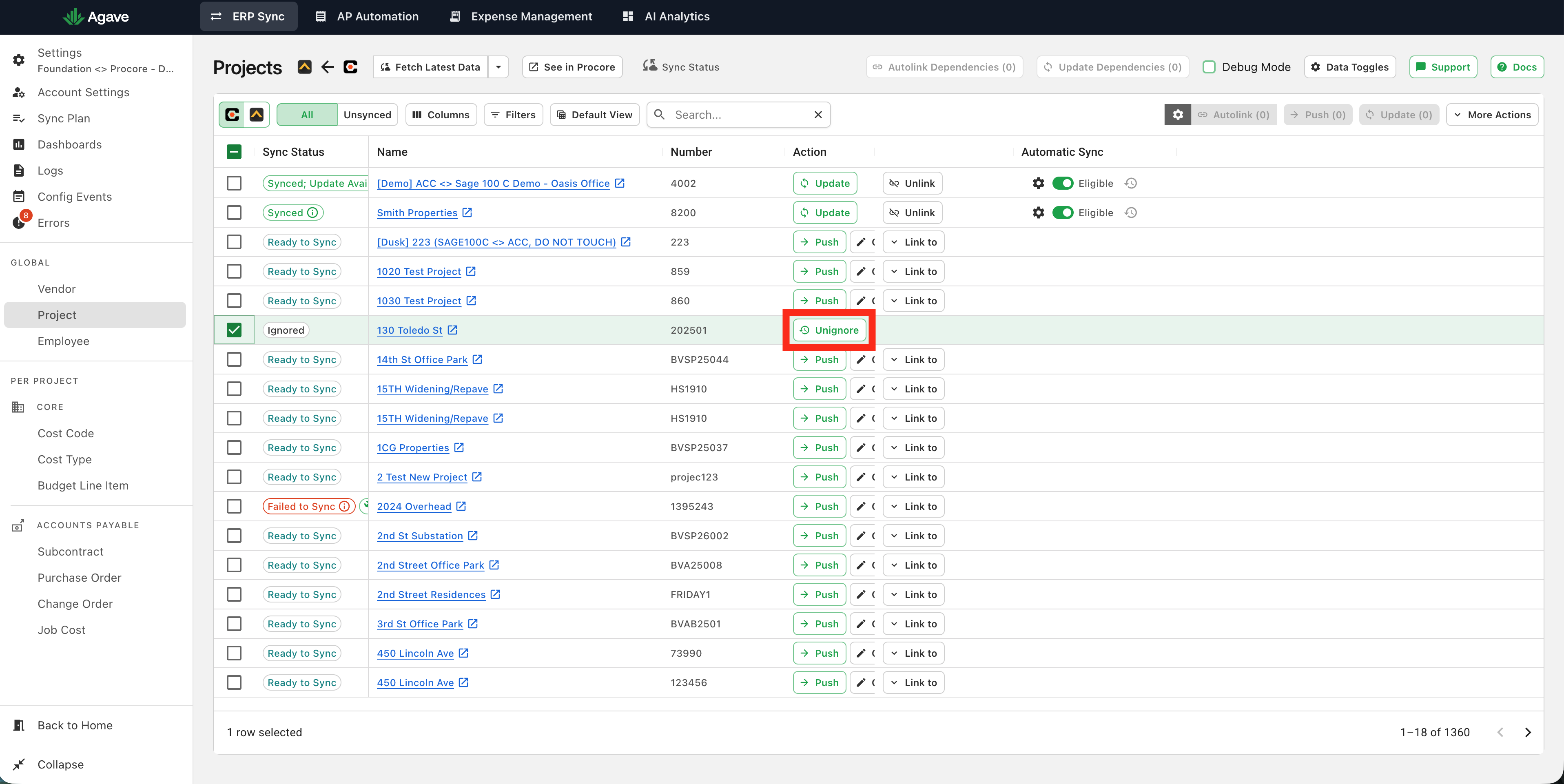
-
Click "Restore" on the record, or restore multiple selected records using the "Restore" button on the top right:
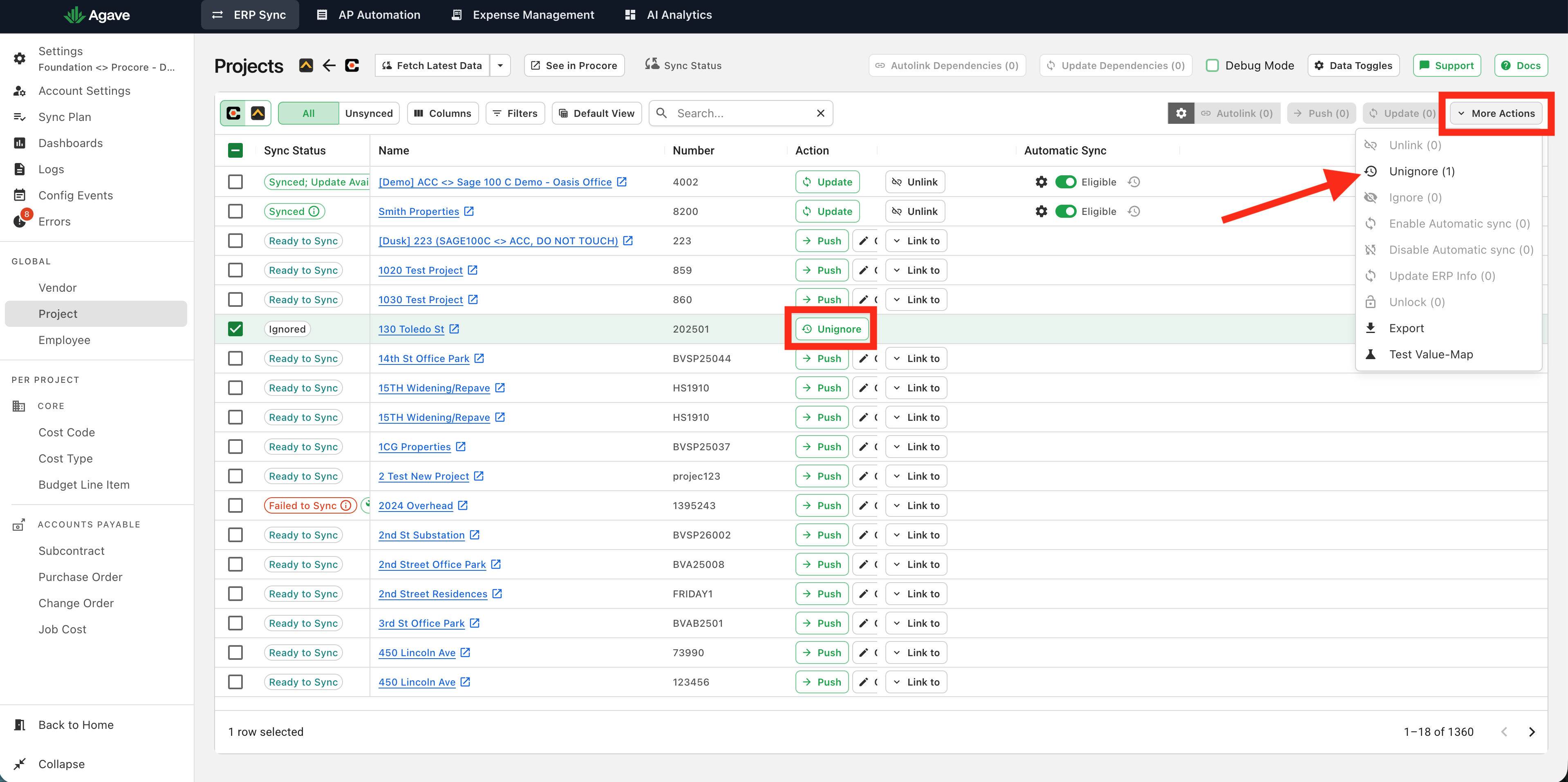
-
The record can now be pushed and will be available for Automatic Syncing (if enabled).