Sync Statuses
A record's Sync Status reflects the relationship between its source and target system records. The Sync Status determines which actions you can take.
Ready to Sync
This record has not been synced or linked yet. Ready to Sync records are available to be synced or linked, and display the text "Ready to Sync" in the "Sync Status" column:
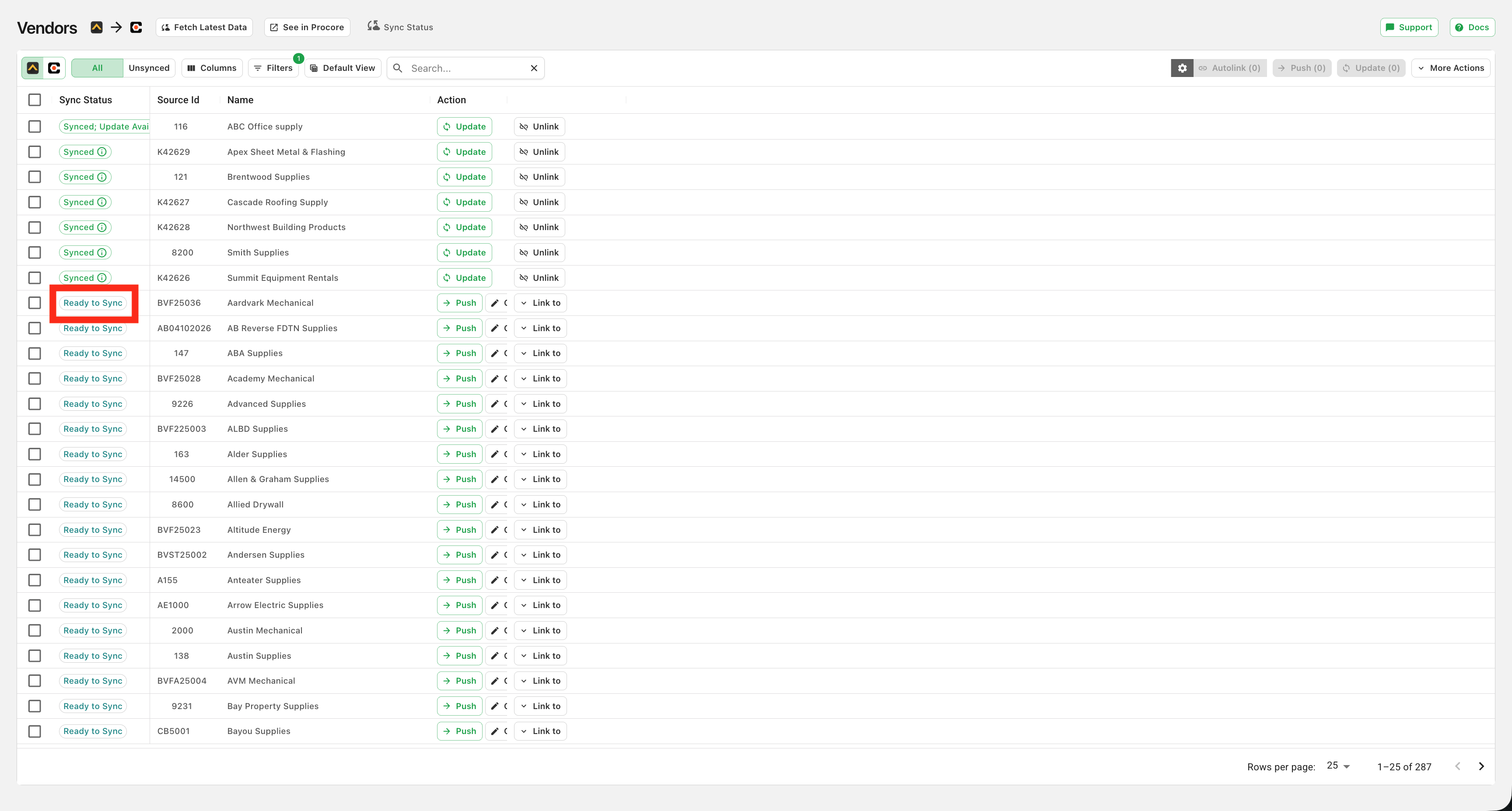
If you have automation enabled, Ready to Sync records should be attempted in the next automatic sync. To manually sync a "Ready to Sync" record you can either "Push" that record and create a new instance of that record (for example, a new vendor in the screenshot above) in the target system, or you can "Link" that to an existing record in your target system (i.e. if that vendor was already in your PM system).
Synced
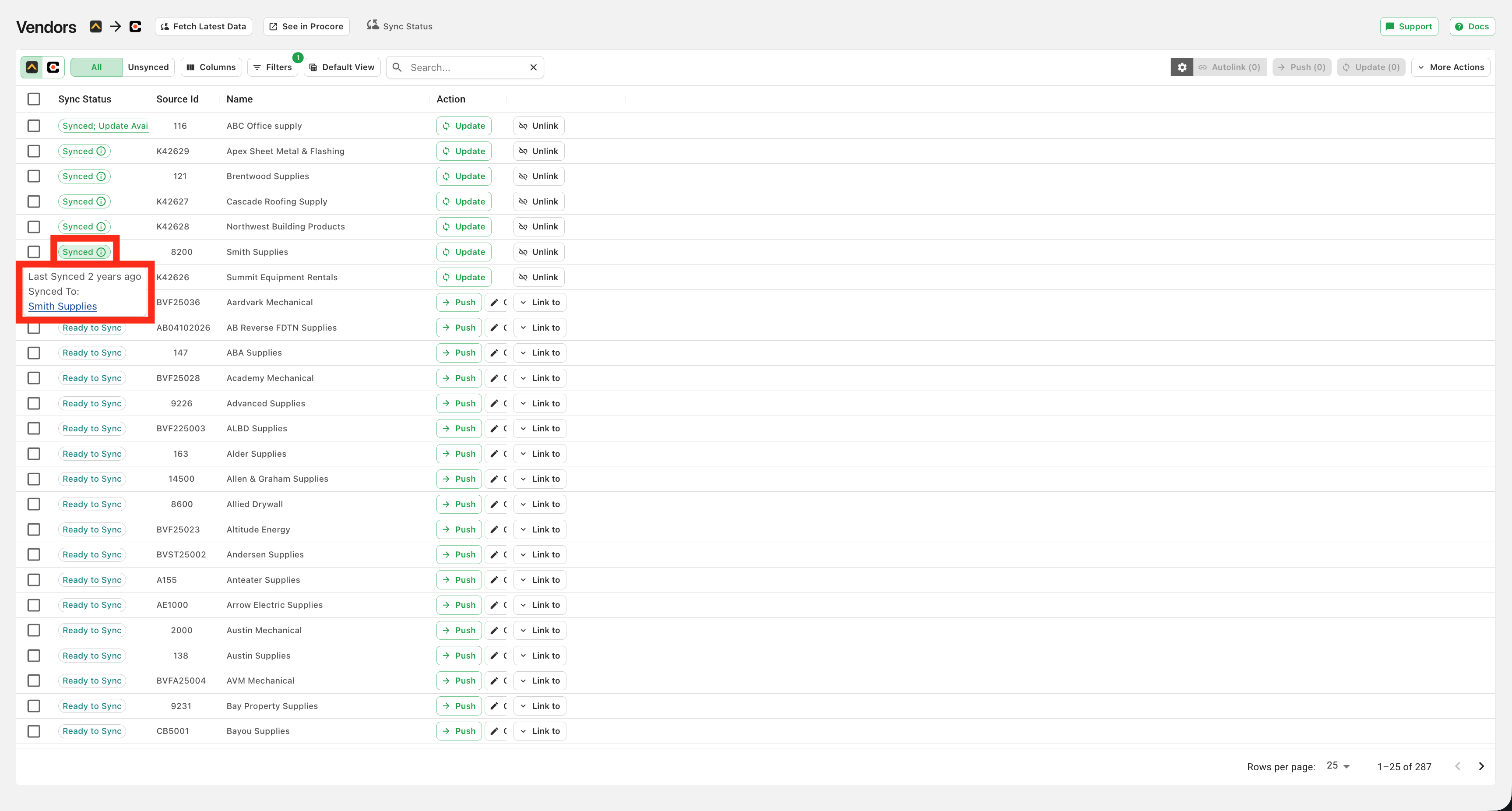
This record is linked with a corresponding record in the target system. Synced records can be updated or unlinked. You cannot push or link synced records without unlinking them first. Synced records display a green "Last Sync" time in the pop up window when the green Synced icon is hovered over (see red box). Within that pop-up you can also view the corresponding record in your PM system, and the days since that record was last synced:
Synced; Update Available
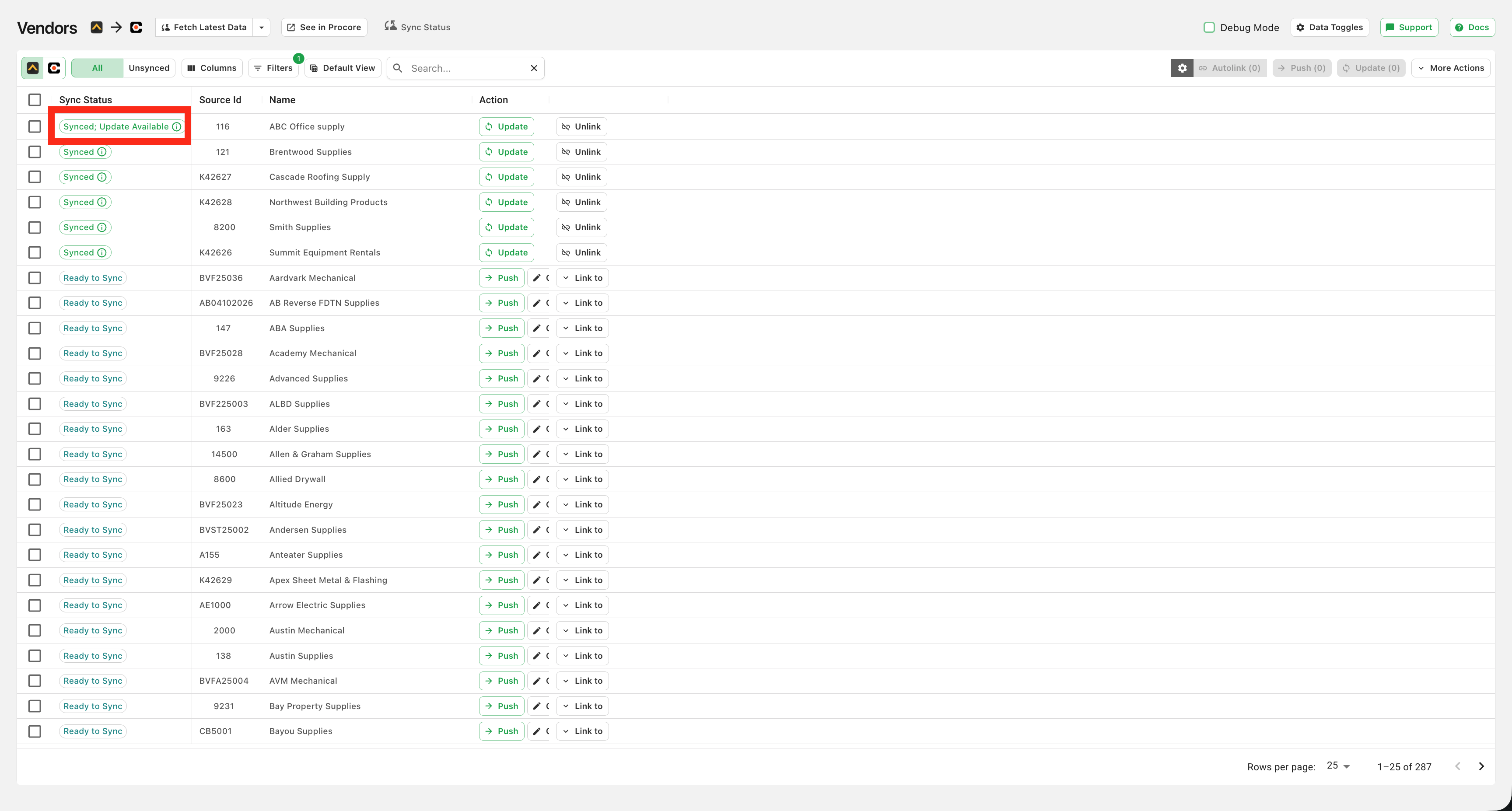
This record is linked, but the corresponding record in the source system has been edited or changed since the last sync. Similar to synced records, you can hover over the yellow Ready To Update icon and view the corresponding record in your PM system and the date it was last synced. To update, click on the green update button to the right (in the blue box).
Orphaned
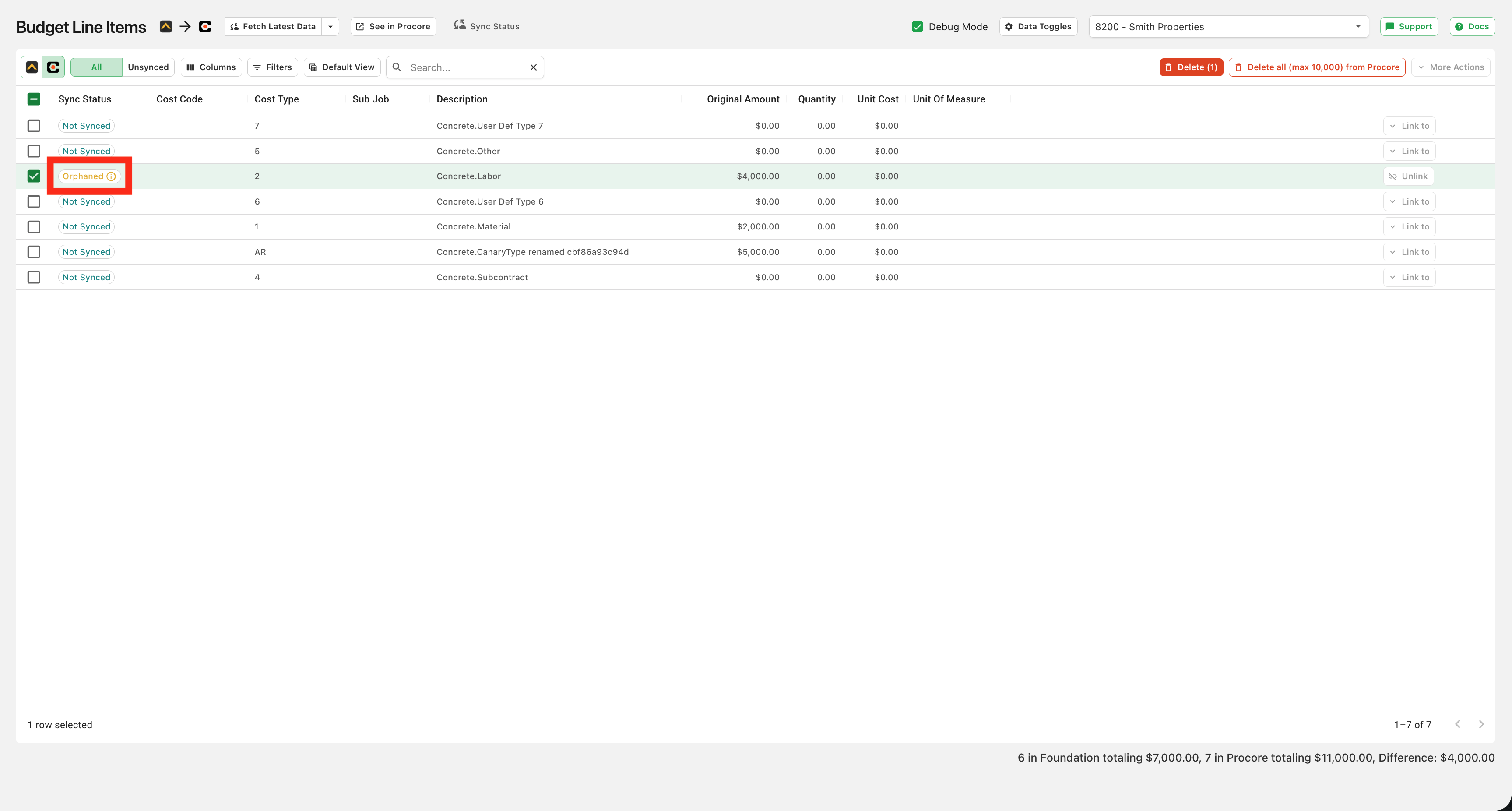
This record is linked, but Agave can no longer find the corresponding record in the other system (e.g. it was deactivated or deleted). Like synced records, you must unlink orphaned records to push or link them again.
Missing Dependency
Some data types may require you to sync other data types first as a prerequisite. For example, syncing an AP Invoice requires that the Vendor it is associated with is already linked. This ensures data is associated properly in each system.
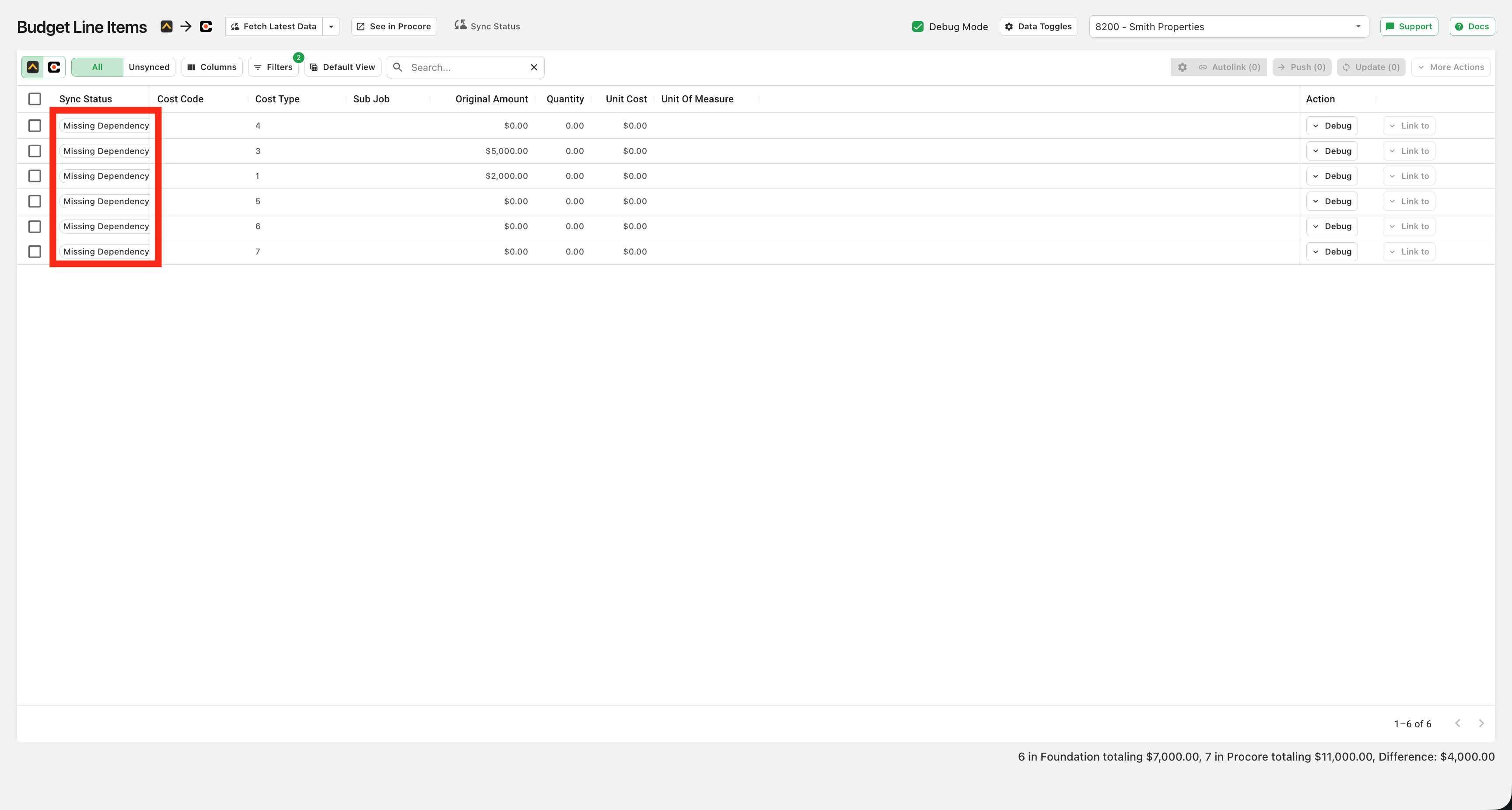
Linking the prerequisite record will resolve the warning and allow you to sync it.