Refreshing Data
Agave Sync displays your source system data in a table on each data page. This table is refreshed on a regular cadence, which means a record you just created or edited in the source system may not appear in Agave immediately. Refreshing pulls the latest data from the source system so the table reflects its current state.
Why a Record Might Be Missing or Out of Date
If a record exists in your source system but is not showing in Agave, or a field looks out of date, the table most likely has not refreshed yet. Common cases include:
- A record was created in the source system after Agave last refreshed.
- A field was edited in the source system and the change has not yet been pulled in.
- A record was reactivated or renamed in the source system.
Agave reads from the source system. If a record is missing in Agave but present in the source system, refresh before troubleshooting further. If it is missing in the source system too, it will not appear in Agave.
Refresh vs. Sync
These are two different actions and it helps to keep them separate:
- Refresh pulls the latest data from the source system into Agave's view. It does not move anything to the target system.
- Sync (push, update, or link) moves data from Agave into the target system. Refreshing makes sure Agave is looking at current source data. Syncing is what actually updates the target system.
Refreshing a Data Table
Use the Fetch Latest Data action on a data table to pull the latest records from the source system for that data type.
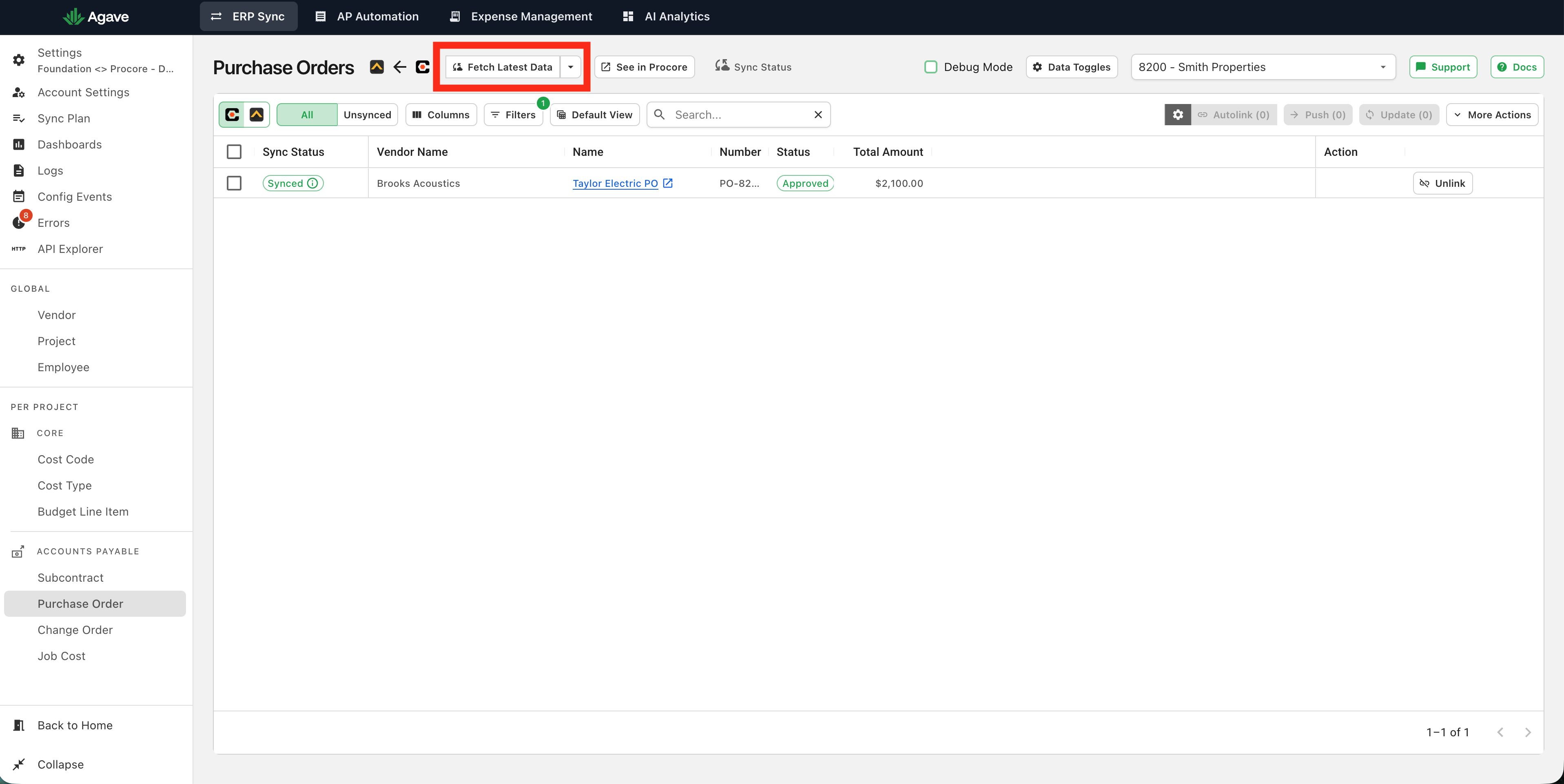
After the refresh completes, newly created and recently edited source records appear in the table with their current values and sync statuses.
Automatic Refreshes
If automatic syncing is enabled, Agave refreshes source data on the cadence you have configured as part of each automation run. Manual refreshing is useful between automation runs, or when automation is not enabled, and you need the latest data right away.
Still Not Seeing a Record?
If a record is still missing after a refresh, check that it is not being excluded:
- A filter may be hiding it. Clear your filters, and note that grey Agave-applied filters also affect what appears.
- The record may have been ignored. Clear the default ignore filter to reveal ignored records.
If the record still does not appear after checking the above, contact your Agave account rep.